Threads Viewer
View Threads Anonymously, No Login
An anonymous Threads viewer: enter a username to see public posts, replies, photos and videos — no Threads or Instagram account, and no login.
Profile Viewer
Live & anonymous
No Threads or Instagram login is ever used — we read the same public profile a logged-out visitor can see. Public accounts only. Recent searches stay in this browser.
How to View Threads Anonymously
Three steps, under a minute, and no account anywhere in the process.
Get the username
A Threads username is the same as the person's Instagram username. A threads.com/@username link works too.
Paste it above
Drop it into the box and press View Threads Anonymously. Don't know the exact handle? Switch to Search users and type a name.
Browse without a trace
Scroll their public threads, the replies they posted under them, and every photo and video — no login, no app.
Threads Profile Viewer: What You Can See
Everything a public Threads account shows the world, on one page. Public profiles only.
Bio & followers
Name, profile picture, bio, follower count, verified badge and the links in their bio.
Posts & replies
Their public threads, newest first, with the follow-up replies they posted underneath.
Photos & videos
A Media tab collects every photo, carousel and video, each with a download button.
Threads user search
Search by name or partial username when you don't know someone's exact handle.
No account needed
No Threads or Instagram login, no email, and no follow request — ever.
Public data only
Private accounts stay private. We show what Threads already shows logged-out visitors.
View Threads Without an Account
Open threads.com without logging in and you get a taste, not the feed: a few posts, then repeated prompts to sign in with Instagram, and searching for people needs an account. For anyone who just wants to read what an account has been posting, that's a lot of friction.
This tool loads the same public profile on our side and lays it out in full — threads, replies, photos and videos — so you can read it without an account. It's a plain Threads account viewer: there's nothing to install, and nothing about your own Instagram changes.
View Threads Posts and Replies
Each thread shows its text, attached photos or videos, any link preview, and the like, reply and repost counts. When the author continued a thread with their own replies, those appear underneath it, in order, so a long thread reads as one piece. Pinned threads are marked so you know why an older post sits at the top.
Want to keep something? Videos open in our Threads video downloader and photos in the photo downloader with one tap, already filled in.
Does Threads Show Who Viewed Your Profile?
No. Threads has no profile-visitor list, so nobody is told when you look at their profile, whether you're logged in or not. Using an anonymous Threads viewer simply means you don't need an account at all to do it.
Frequently Asked Questions
Disclaimer
Not affiliated with Meta or Threads. SpyBroski only shows content that Threads makes public to logged-out visitors — it cannot access private accounts, messages or anything behind a login. If you want your profile excluded from this tool, use our profile removal form.
Explore More Free Tools
More anonymous viewers and downloaders — no login, instant.
Instagram Story Viewer
View Instagram stories anonymously without an accountInstagram Highlight Viewer
View Instagram highlights anonymouslyInstagram Comment Viewer
Read, search and export Instagram comments anonymouslyInstagram Profile Viewer
View any Instagram profile and posts anonymously
TikTok Story Viewer
View and download TikTok stories anonymously by username
Snapchat Story Viewer
View Snapchat stories anonymously without them knowing
Explore Our Blog
Discover expert insights on digital marketing, social media trends, and tips to enhance your online experience.

Why Your Social Media Accounts Need a Separate Email (and How to Set One Up)
Why you should use a separate email for social media, how one inbox leak spreads to every account, and how to set up aliases and 2FA in an afternoon.
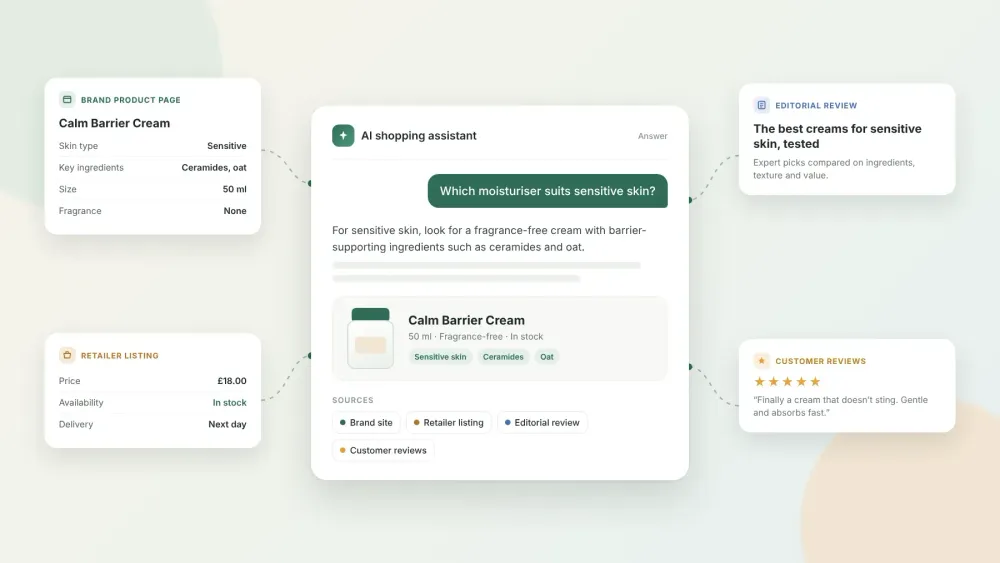
The 2026 Guide to Choosing a GEO Agency for Consumer Goods Brands
How to choose a GEO agency for a consumer goods brand in 2026: what to look for, questions to ask, how to measure results and mistakes to avoid.Nov 811 min read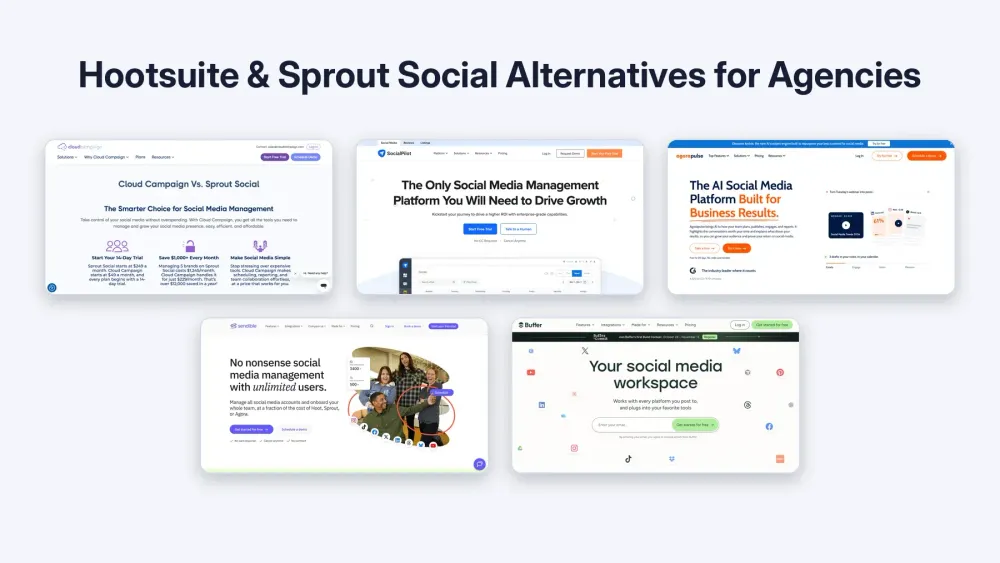
Best Hootsuite and Sprout Social Alternatives for Agencies in 2026
Compare the best Hootsuite and Sprout Social alternatives for agencies in 2026 by billing unit, client approvals and white-label reporting.Nov 810 min read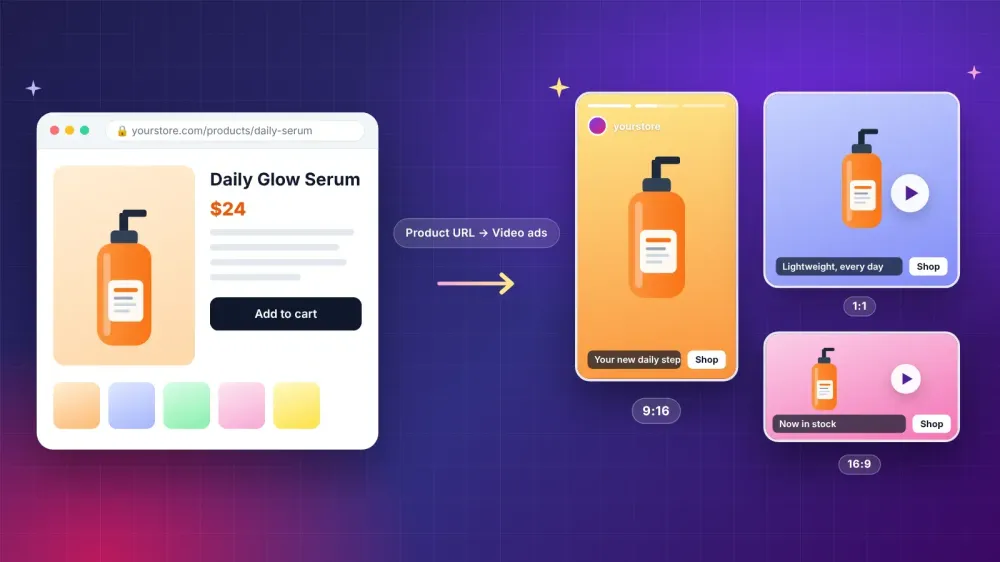
How Small Brands Can Turn a Product Page Into Short Video Ads
Learn how small brands can turn a product page into short video ads with an AI ad generator, from prepping the page to testing drafts and checking claims.Nov 311 min read
Build vs Buy Software in 2026: How AI Changed the Math
Build vs buy software in 2026: compare custom software and off the shelf SaaS on cost, speed, data control and AI agents, plus a checklist before you decide.Nov 316 min read
How to Know If Someone Blocked You on Instagram (and When It's Something Else)
Not sure if someone blocked you on Instagram? Learn the signs, three quick checks, and how a block differs from restrict, mute, or a deactivated account.Oct 3111 min read
Best UGC Platforms in 2026: Where Brands Find Creators (and Creators Find Paid Work)
Compare the best UGC platforms in 2026: pricing, creator pools and usage rights for brands, plus where beginners can find paid UGC jobs.Oct 3114 min read
How to Repurpose Long Videos for TikTok: A Step by Step Guide (2026)
Learn how to repurpose long videos for TikTok step by step: pick the best moments, reframe to 9:16, add captions, and speed it up with AI clip makers.Oct 3013 min read
Inside the AI Tools Powering the 2026 Creator Economy
The creator economy has quietly turned into one of the largest proving grounds for applied AI. While tech headlines still obsess over flashy generative art or…Oct 3012 min read