Best Hootsuite and Sprout Social Alternatives for Agencies in 2026
Spybroski Team
Most agencies don't leave Hootsuite or Sprout Social because the software stops working. They leave when the invoice grows faster than the client roster, because every new hire adds another seat.
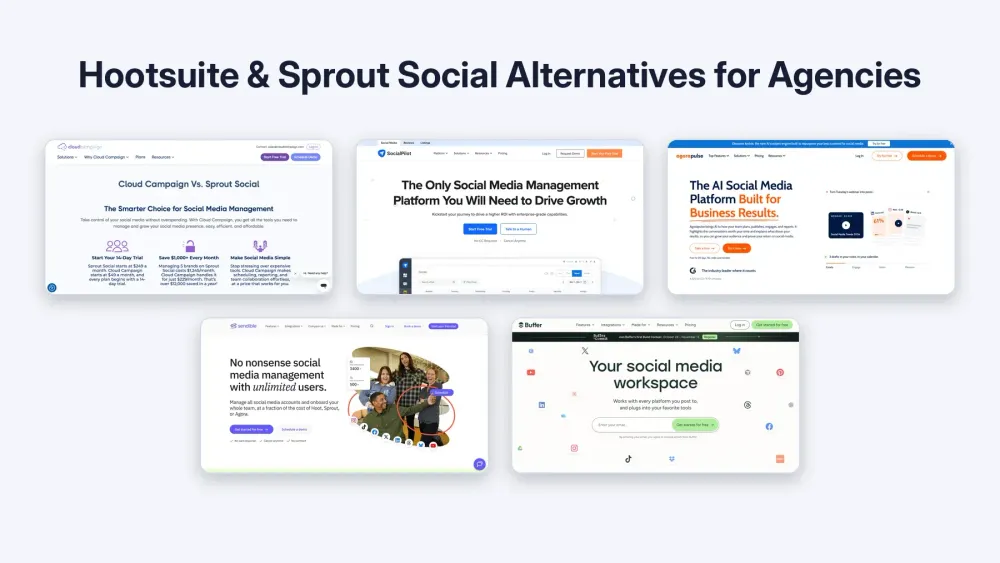
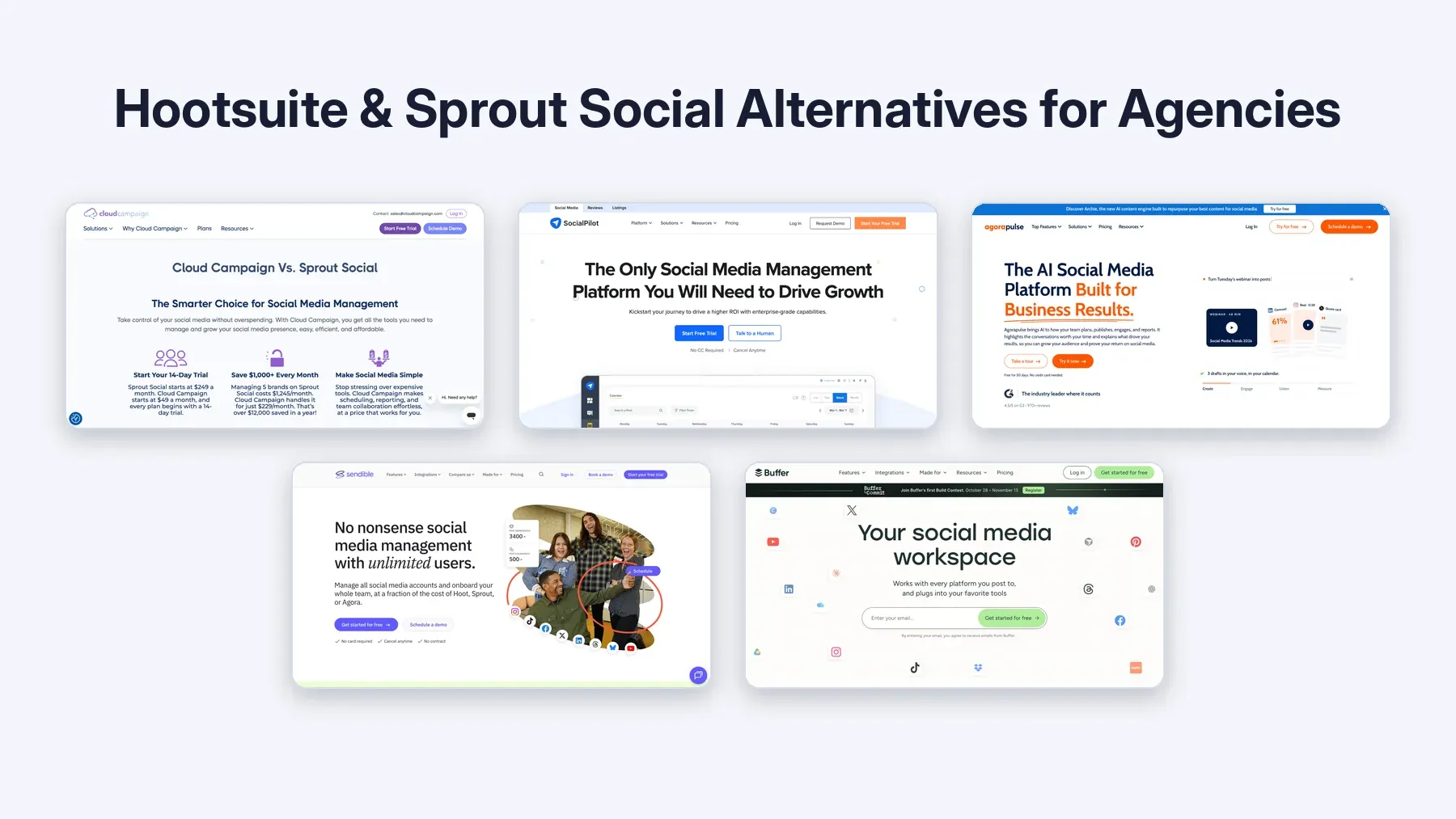
This guide compares five platforms that bill in different ways: by workspace, by plan allowance, by user, or by channel.
Each one is judged on the three things that decide an agency's monthly cost and workload: who can approve posts, whether client reports carry your branding, and which unit you are billed on.
Key Takeaways
- Count your billing units before comparing prices. Seats, workspaces, plan allowances and channels produce very different bills for the same team.
- Check where approvals sit. On some platforms, internal review and client sign-off live on different tiers.
- Branded reports and a branded dashboard are separate features. Confirm which one your clients will actually see.
What Are Agencies Switching to Now That Hootsuite Raised Prices?
Agencies reviewing Hootsuite usually shortlist tools that avoid per-seat billing or put approvals on a lower tier. The five platforms below were chosen on exactly those two points.
The pressure is easy to see on Hootsuite's own plans page, checked November 5, 2026. It lists Standard at USD 99, Professional at USD 199 and Advanced at USD 399 per user per month, billed annually. Content approval workflows sit on Advanced. A five-person team that needs approvals is therefore looking at USD 1,995 a month.
Sprout Social follows the same per-seat model. Its pricing page, checked the same day, lists Essentials at USD 79 per seat per month billed annually (USD 99 billed monthly). The consolidated inbox and collaboration tools start on Standard at USD 199 per seat.
We did not find a Hootsuite announcement confirming a fresh increase. So treat "raised prices again" as a budget question: compare the current list price with your renewal quote, then price the alternatives below for the same roster.
How We Chose These Alternatives
Every platform here had to support client approvals, multi-client organization, and some form of branded client reporting.
Competitor prices and tier details come from each vendor's own pricing pages, checked November 5, 2026.
We did not run hands-on tests, so the guide flags what to confirm during a trial rather than claiming results we did not measure.
Hootsuite and Sprout Social Alternatives at a Glance
| Platform | Billing unit | Users | Approvals | Client branding | Plan with approvals (checked Nov 5, 2026) |
|---|---|---|---|---|---|
| Cloud Campaign | Per workspace | Unlimited on all plans | Every plan, including multi-level | Reporting white-labeled on Team and Agency | Approvals on every plan |
| SocialPilot | Plan allowance | 6 on Premium, unlimited on Ultimate | Manager approval from Standard; client approval on Premium | White-label reports on Premium | Premium: USD 100/month (USD 85 billed annually) |
| Agorapulse | Per user | Paid per user | Simple workflows from Professional | White-label reporting on every plan | Professional: USD 119/user/month billed annually |
| Sendible | Workspace tiers | Unlimited on all plans | From Plus | Custom branded reports on Premium | Plus: USD 84/month billed yearly |
| Buffer | Per channel | Unlimited on Team | Content approval workflows on Team | Not listed among Team plan features | Team: USD 12/channel/month on monthly billing |
The 5 Best Hootsuite and Sprout Social Alternatives for Agencies
1. Cloud Campaign
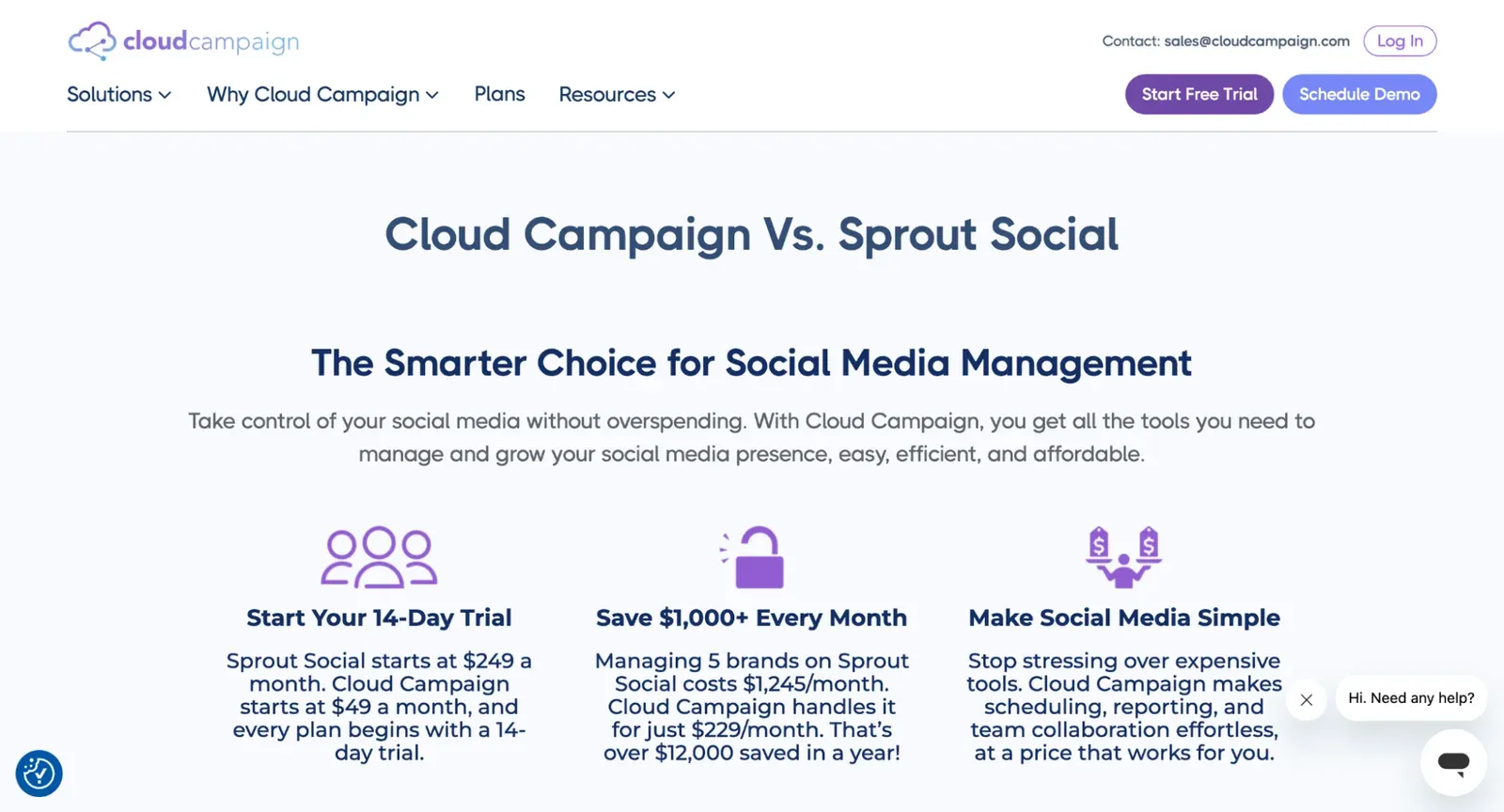
Best for: Agencies managing many client brands that want each client kept in its own workspace.
Cloud Campaign is social media management software built for agencies managing multiple clients, with workspace-based client management and unlimited users on all plans.
- Billing: Pricing is per workspace, and a 14-day free trial is available.
- Approvals: Approval workflows on every plan, including multi-level approvals.
- Client branding: One-click reporting on every plan, white-labeled on the Team and Agency plans.
- Watch for: Direct publishing covers eight platforms (Facebook, Instagram, LinkedIn, Pinterest, YouTube, Google Business Profile, TikTok and Threads), so match that list against your clients' networks.
Every plan includes CaptionAI, ImageAI and AI Social Inbox, and content can be bulk imported from Google Drive, RSS and CSV. Evergreen recycling and category-based scheduling are built in, and the platform is SOC 2 Type 2 compliant.
2. SocialPilot
Best for: Small agencies whose roster fits inside a fixed account and user allowance.
SocialPilot sells plans with set numbers of social accounts and users, and its agency features concentrate on the Premium tier.
- Billing: Premium lists 25 social accounts and 6 users at USD 100 a month, or USD 85 a month billed annually.
- Approvals: Manager approval starts on Standard (USD 50 a month); client approval and unlimited client seats arrive on Premium.
- Client branding: White-label reports on Premium; advanced white label on Ultimate at USD 200 a month.
- Watch for: Extra social accounts are listed at USD 4 a month, and extra users at USD 5 a month on Standard and Premium.
Its pricing page shows a 14-day free trial on paid plans. Ultimate removes the user cap, which matters once a growing team outgrows six logins.
3. Agorapulse
Best for: Teams where comment and message volume drives most of the daily workload.
Agorapulse prices every paid plan per user and puts its inbox at the center of the product.
- Billing: Standard lists USD 79 per user per month billed annually (USD 99 monthly), with 10 social profiles.
- Approvals: Simple approval workflows start on Professional at USD 119 per user per month billed annually; multi-step approvals are on Custom.
- Client branding: White-label reporting is included on every plan.
- Watch for: Shared content calendars start on Advanced (USD 149 per user per month billed annually), and paid plans cap at 10 social profiles until Custom.
Its pricing page offers a 30-day free trial with no card required. Because billing is per user, model the cost for your full team before comparing it with workspace pricing.
4. Sendible
Best for: Agencies that want unlimited users and a separate workspace per client.
Sendible organizes accounts into workspaces and includes unlimited users on every plan.
- Billing: Plans start at USD 35 a month billed monthly; Plus is USD 84 a month billed yearly with 3 workspaces.
- Approvals: Assignment and approvals start on Plus.
- Client branding: Custom branded reports appear on Premium; dashboard white labelling is a paid add-on on Elite and Enterprise.
- Watch for: Price the white-label add-on separately if clients will log into a branded dashboard.
Unlimited users on every tier means client reviewers can be added without seat fees. Confirm the white-label add-on cost directly with Sendible before budgeting.
5. Buffer
Best for: Lean teams managing a small number of channels.
Buffer charges per connected channel instead of per seat or workspace.
- Billing: Team is listed at USD 12 per channel per month on monthly billing for 1 to 10 channels, with lower rates at higher volumes.
- Approvals: Content approval workflows and access controls are on Team.
- Client branding: Buffer's Team plan features center on team members, approvals and access controls rather than client white-labeling.
- Watch for: Costs rise with every channel you connect, which adds up quickly across many client brands.
Team includes unlimited team members, so a growing staff does not raise the bill. The Free and Essentials plans include one user each.
Which Platforms Offer White-Label Scheduling for Agencies?
Branding comes in two layers, and vendors package them differently. Branded reports put your logo on what clients read. A branded dashboard changes what clients see when they log in.
The top pick above white-labels its one-click reporting on the Team and Agency plans. SocialPilot brands reports on Premium and adds advanced white label on Ultimate. Agorapulse includes white-label reporting on every plan. Sendible offers branded reports on Premium and sells dashboard white labelling as an add-on on Elite and Enterprise.
If clients only receive reports, report branding is enough. If clients log in to approve posts, check exactly which screens carry your brand on the tier you are pricing.
How to Choose the Right Platform for Your Agency
Count your billing units. List client brands, connected profiles, staff logins and client reviewers. Per-user pricing grows with headcount, per-channel pricing grows with connections, and workspace pricing grows with clients.
Map your approval chain. Write down who drafts, who reviews internally and who signs off on the client side. Then trial the tier that explicitly includes every step.
Decide what clients will see. Separate "branded PDF report" from "branded login." Many plans cover the first but not the second.
Test with one real client. Schedule a normal week of posts, send one through full approval, and generate a client report. Record whether the approval happened inside the tool, whether previews matched published posts, and whether the client could read the report without a walkthrough.
How to Switch Without Losing a Week of Posts
Move one client first. Before cancelling anything, export the scheduled queue, media library and recent reports from your current tool, and note anything you will need to recreate by hand.
Reconnect that client's accounts in the new platform, schedule the first week, and watch the first posts go live. Pause the old tool's queue so nothing publishes twice, and tell the team which tool now controls the calendar.
Reconnecting accounts means logging into many client profiles in a short window, so do it on a trusted network. This guide to what happens on coffee shop Wi-Fi when scheduling client posts explains why open networks put active sessions at risk.
Once the first client's week checks out against the saved queue, with approvals recorded and no missing or duplicate posts, move the next client.
Final Thoughts
The right alternative depends less on feature lists than on your billing unit. Agencies that keep adding staff should look hard at workspace pricing with unlimited users. Teams with heavy inbox work may accept per-user billing for a stronger inbox. Small rosters with few channels can do well on per-channel plans.
Price your real roster on each shortlist option, run one client through a full approval cycle, and let that trial decide.
Frequently Asked Questions
What are agencies switching to now that Hootsuite raised prices again?
Agencies are shortlisting platforms with workspace, allowance or channel billing instead of per-seat pricing, especially ones that include approvals below the top tier.
What are the best Hootsuite alternatives for agencies?
The best fits are platforms with separate client workspaces, approvals on lower tiers and white-label reporting, which the five tools ranked above cover in different combinations.
What are the best Sprout Social alternatives?
For agencies, the strongest Sprout Social alternatives avoid per-seat billing and include client approvals and branded reporting without moving to a premium tier.
What are the best white-label scheduling platforms for agencies?
Look for white-labeled client reports at minimum, and confirm separately whether the client login dashboard can also carry your branding.
Does Hootsuite charge per user?
Yes. Hootsuite's plans page lists every self-serve plan per user per month, from USD 99 on Standard to USD 399 on Advanced, billed annually.