Anonymous LinkedIn Profile Viewer
View Profiles Without Them Knowing
See anyone's photo, headline, experience, education and recent posts — without signing in. No LinkedIn account, and nothing in their “Who viewed your profile” list.
Profile Finder
Live & anonymous
Your search never touches your LinkedIn account — we read the same public page a signed-out visitor sees, so nothing appears in their “Who viewed your profile” list. Recent searches are stored only in this browser.
How to View a LinkedIn Profile Anonymously
Three steps, about a minute, and no LinkedIn login anywhere in the process.
Copy the profile link
Grab the linkedin.com/in/... address from the profile or from a search result. Just the username works too — you don't need the whole URL.
Paste it above
Drop it into the search box and press View Profile Anonymously. There's no sign-up, no LinkedIn login and no app to install.
Read it without a trace
The full public profile opens on one page. The request came from our servers with no LinkedIn session attached, so there's nothing for LinkedIn to log against you.
The Whole Public Profile, On One Page
Headline & About
Their photo, cover image, current role, location and the full About section — exactly as written.
Career history
Every public role with company, dates and description, plus education, languages and awards.
Recent posts
What they've posted and shared lately, with thumbnails — and a one-tap jump to download any video.
Nothing logged
No LinkedIn session means no recorded visit. Not your name, not "someone at your company", not an anonymous row.
No account needed
You never sign in, and you never hand over an email. Nothing about your own LinkedIn settings changes.
Recent searches saved
The last profiles you looked up sit under the search box so you can re-open one in a single tap. Stored in your browser only.
Frequently Asked Questions
Straight answers about anonymous LinkedIn viewing, private mode and what Premium can actually see.
Why LinkedIn tells people who looked at them — and when it can't
LinkedIn is the only major network that turns profile views into a feature. Open “Who viewed your profile” and you get a running list of members who landed on your page. It is a genuinely useful signal for recruiters and salespeople, and a genuinely awkward one for everyone else — researching a hiring manager, checking out a competitor, or looking up someone you are about to meet all leave a footprint.
The important detail is how that list is built. LinkedIn attributes a view to a member account, which means it only exists when the request carries a signed-in LinkedIn session. Sign out and load the same page and there is no account to attribute anything to. That is not a loophole or a trick — it is simply what a public web page is. Search engines crawl those same pages every day.
What this anonymous LinkedIn profile viewer actually does
You give it a username or a profile link. Our servers request the public version of that profile — the one anyone gets without logging in — parse it, and lay it out in a format that reads well on a phone: photo and cover, headline, location, About, the full work history with dates and descriptions, education, languages, follower and connection counts, and their most recent public posts.
Your browser never talks to LinkedIn, and no LinkedIn cookie of yours is ever involved. There is no step where you type a LinkedIn password, because there is no step where one would be used.
Private mode, Premium, and the honest limits
LinkedIn does offer its own answer: Settings → Visibility → Profile viewing options, where you can browse as “Private mode”. It works, but with two catches. The visit is still recorded, just anonymised — and while private mode is on, your own viewer list goes dark too. Some Premium features can also surface a little more about semi-private viewers.
Premium cannot conjure data LinkedIn never collected, though. A signed-out request to a public page isn't in the viewers table at any tier. The real limit of this tool is a different one: it only ever shows public information. If a member has locked their profile down for signed-out visitors, or excluded it from search engines, there is nothing to show and the tool will say so plainly instead of pretending otherwise.
Who uses it
Candidates reading up on an interviewer before a call. Founders checking an investor's actual portfolio history. Salespeople qualifying a lead without tipping their hand. Journalists verifying a source's stated background. Anyone who wants to look something up without it turning into a notification on the other person's phone.
Disclaimer
SpyBroski is not affiliated with, endorsed by, or connected to LinkedIn Corporation or Microsoft. This tool only displays information that LinkedIn already publishes publicly to signed-out visitors and search engines — it cannot access private profiles, connections, messages or anything behind a login. Use it lawfully and respect people's privacy. If you are a LinkedIn member and want your public profile excluded from this tool, use our profile removal form.
Explore More Free Tools
More free viewers and downloaders — no login, no watermark, instant.
LinkedIn Video Downloader
Download videos from any LinkedIn post as MP4 — no watermark, no login
Snapchat Story Viewer
View Snapchat stories anonymously without them knowing
TikTok Video Downloader
Download TikTok videos without watermark in HD qualityiFunny Downloader
Download iFunny videos, photos, memes and GIFs to MP4 — no watermark, no loginSnapchat Planets Meaning
Understand Snapchat best friend planets and their orderTikTok Profile Picture Downloader
Download TikTok profile pictures in full HD
Explore Our Blog
Discover expert insights on digital marketing, social media trends, and tips to enhance your online experience.

How Creators Set up an Income Safety Net
A viral post can bring a sudden rush of revenue, but last month’s success will not necessarily pay next month’s bills. Things like platform changes, delayed…

The Second Life of Educational Content on Social Media
A short tutorial can outlive the circumstances that made it clear. Someone finds it through search, a colleague forwards the clip without its caption, or a…Oct 1814 min read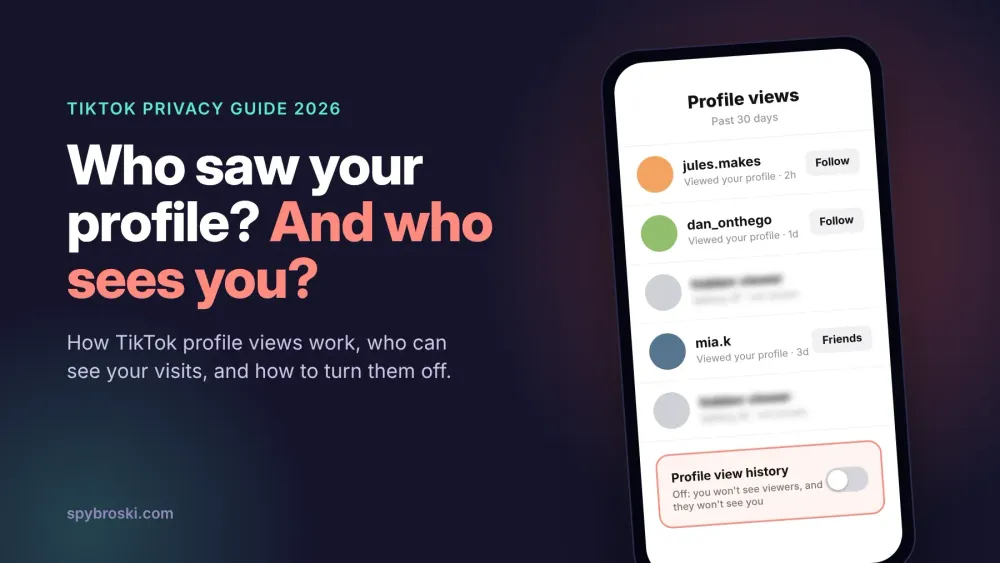
TikTok Profile Views: How They Work and How to Turn Them Off in 2026
Does TikTok show who viewed your profile? Learn how TikTok profile views work, who sees your visits, and how to turn profile views off in 2026.Oct 1011 min read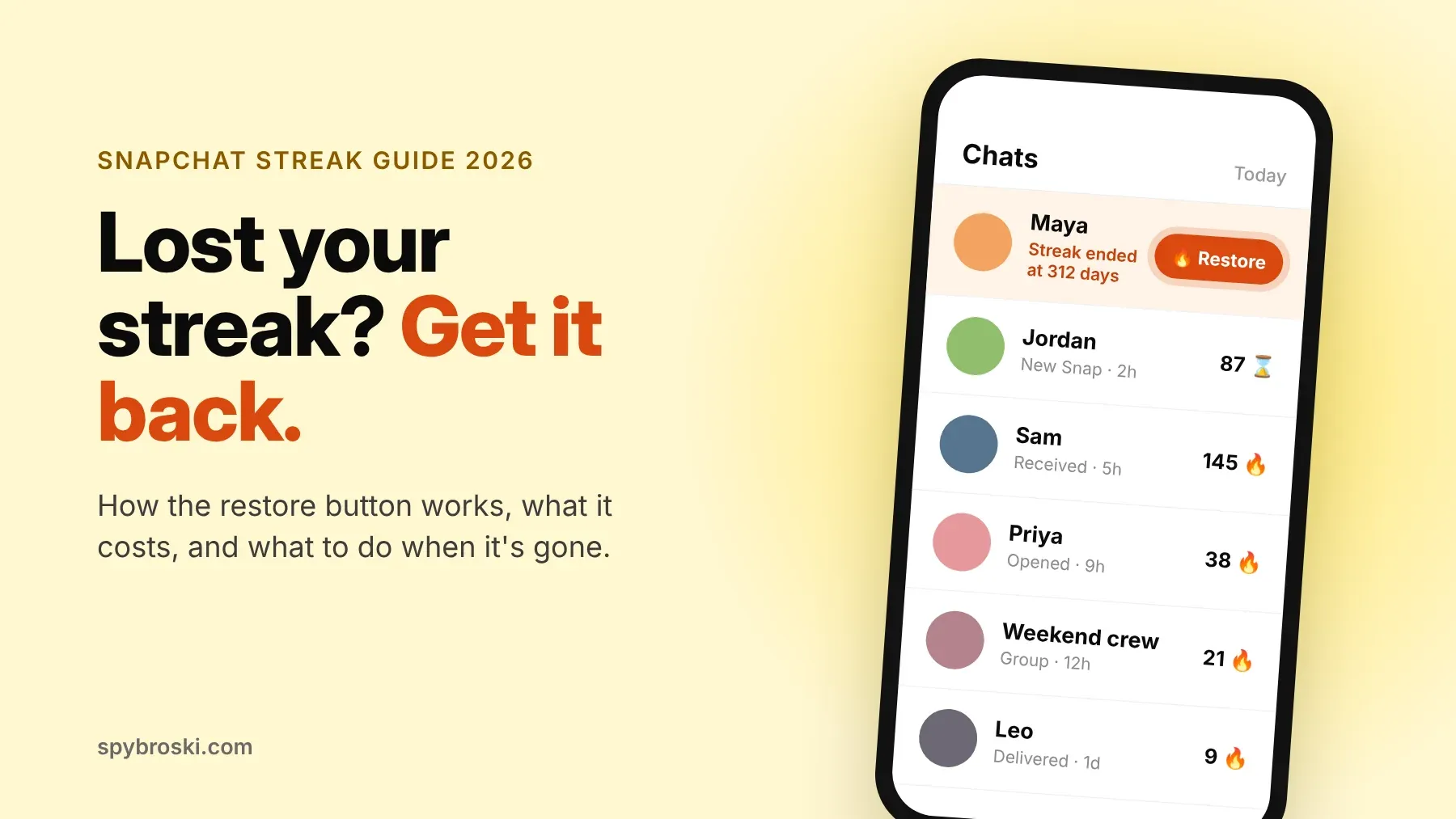
Snapchat Streak Restore: How to Get Your Lost Streak Back in 2026
Lost a Snapchat streak? See how Snapchat streak restore works in 2026, what it costs, the free options, and what to do when the Restore button is gone.Oct 912 min read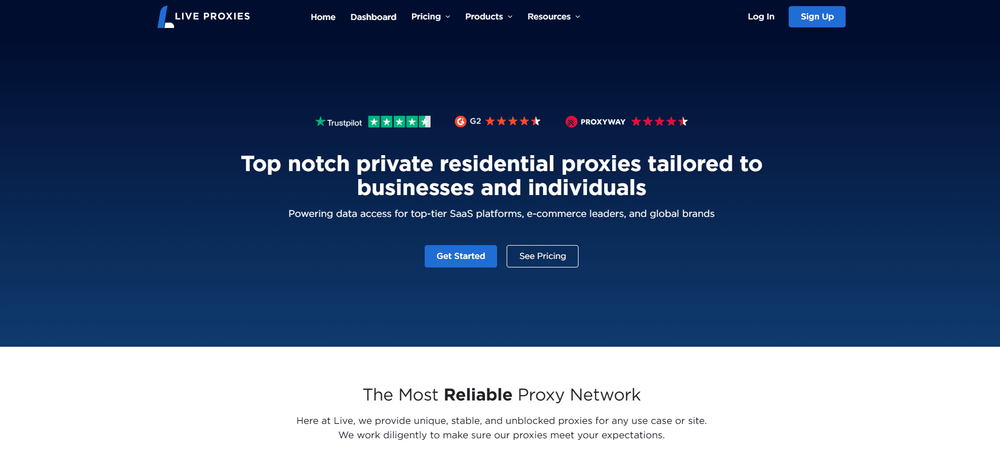
8 Best Instagram Proxies in 2026
Compare 8 best Instagram proxies in 2026 by network type, geo-targeting, session stability, account workflow fit, and pricing.Oct 124 min read
How Instagram Followers Fit Into Your Social Media Strategy
Building a powerful digital presence on Instagram requires a number of critical components, including posting on a continuous basis, thinking visually, and…Sep 304 min read
What to Check Before Choosing Spotify Playlist Plays
Spotify playlist plays apply to listening activity connected with tracks inside a selected playlist. They differ from playlist followers, profile followers…Sep 304 min read
Top 4 Sites for Twitch Marketing Across Different Budgets and Campaign Needs
To build an active community on Twitch, you have to stream regularly, comment energetically, and promote your channel smartly. Streamers spend hours…Sep 295 min read
Privacy Settings Are Not a Privacy Strategy: How Separate Social Accounts Become Connected
A user can hide a phone number, switch off activity status, limit profile-photo visibility, and avoid publishing a real name. On one platform, those choices…Sep 2510 min read