Threads Photo Downloader
Save Threads Images in HD
Paste a Threads post link and save every photo in full resolution — single images and whole carousels. Need the clips instead? Download Threads videos here.
How to Download Threads Photos
Three steps and no account — works the same for one photo or a ten-image carousel.
Copy the post link
In the Threads app, tap the share icon under the post and choose Copy link. On a computer, copy the address bar.
Paste it above
Paste the link into the box and press Get Photos. Every image in the post appears in a grid.
Save the photos
Download them one by one, or press Download all to save the whole carousel in one go.
Full Size, Every Time
Original resolution
We pick the largest version Threads stores — often 1,500px wide or more, not a thumbnail.
Whole carousels
Every image in a multi-photo post, in order, with a single Download all button.
No login
No Threads or Instagram account, and nobody is notified that you saved anything.
Videos too
If a carousel mixes in videos, they're listed underneath with their own buttons.
Every device
iPhone, Android, Mac and Windows — straight from the browser.
Recent posts
Your last few posts stay under the box for a one-tap repeat. Stored in your browser only.
Download a Threads Carousel
Carousels are where screenshots fall short: you'd have to swipe and capture each image, and every capture is cropped and compressed. Paste the post link here instead and you get each image as its own full-size file, in the order the author posted them.
HD Threads Images, Not Thumbnails
Threads keeps several sizes of every photo and shows a smaller one in the feed. This tool always picks the largest stored version, so text in screenshots stays sharp and photos print cleanly.
Looking for a profile photo rather than a post? The Threads profile picture downloader gets it in full size.
On iPhone, Android and PC
On iPhone, photos save to Files → Downloads (tap one, then Share → Save Image to add it to Photos). On Android they go to Downloads and appear in your gallery. On a computer they save to your usual downloads folder.
Frequently Asked Questions
Disclaimer & takedown
Not affiliated with Meta or Threads. This tool only reaches media from posts that Threads already serves publicly — it cannot access private accounts or anything behind a login, and we don't host or store the files. You are responsible for how you use what you download; respect creators' copyright. Rights holders can request removal of a profile at our removal form or by emailing [email protected].
Explore More Free Tools
More free downloaders and viewers — no login, instant.
Instagram Story Viewer
View Instagram stories anonymously without an accountInstagram Highlight Viewer
View Instagram highlights anonymouslyInstagram Comment Viewer
Read, search and export Instagram comments anonymouslyInstagram Profile Viewer
View any Instagram profile and posts anonymously
TikTok Story Viewer
View and download TikTok stories anonymously by username
Snapchat Story Viewer
View Snapchat stories anonymously without them knowing
Explore Our Blog
Discover expert insights on digital marketing, social media trends, and tips to enhance your online experience.

Why Your Social Media Accounts Need a Separate Email (and How to Set One Up)
Why you should use a separate email for social media, how one inbox leak spreads to every account, and how to set up aliases and 2FA in an afternoon.
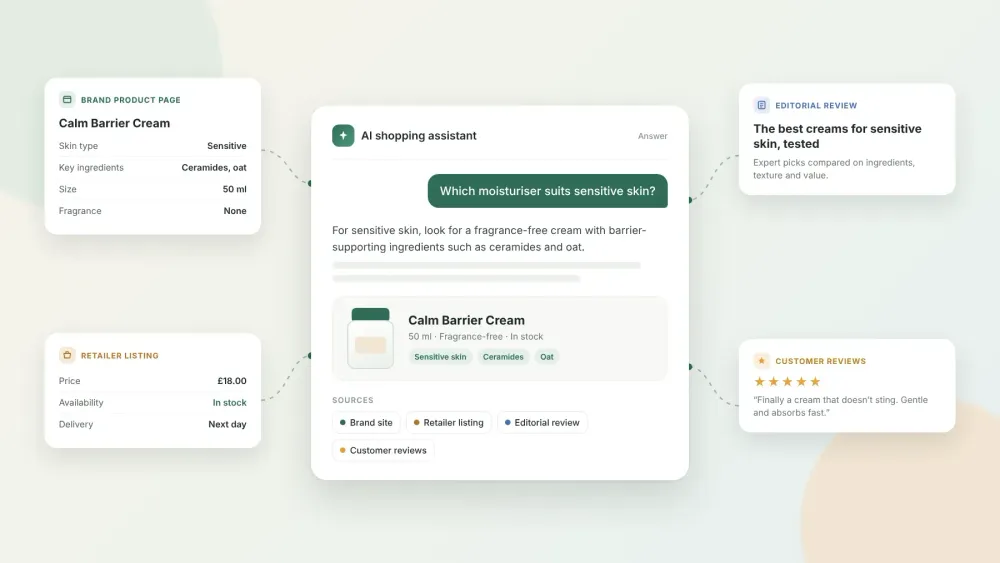
The 2026 Guide to Choosing a GEO Agency for Consumer Goods Brands
How to choose a GEO agency for a consumer goods brand in 2026: what to look for, questions to ask, how to measure results and mistakes to avoid.Nov 811 min read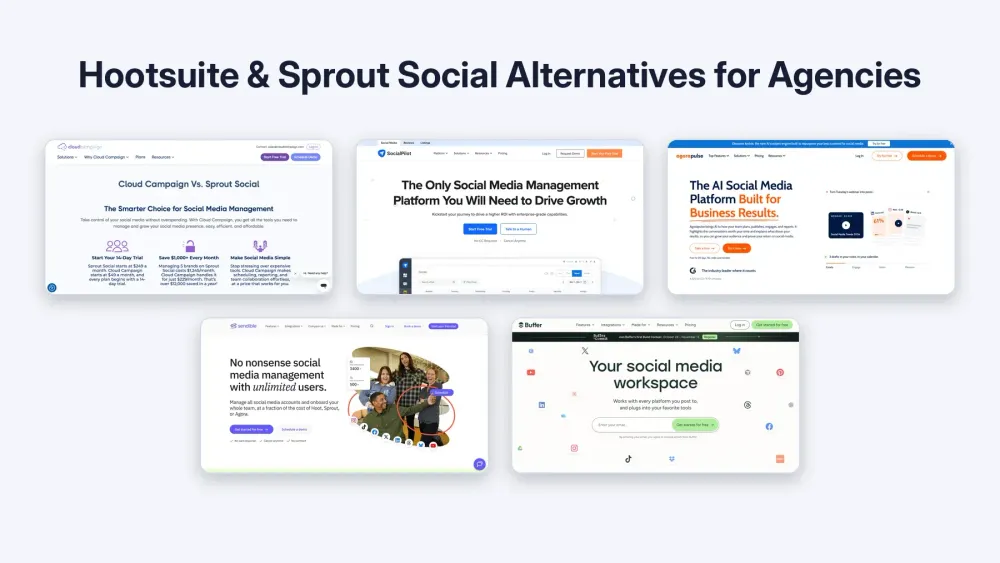
Best Hootsuite and Sprout Social Alternatives for Agencies in 2026
Compare the best Hootsuite and Sprout Social alternatives for agencies in 2026 by billing unit, client approvals and white-label reporting.Nov 810 min read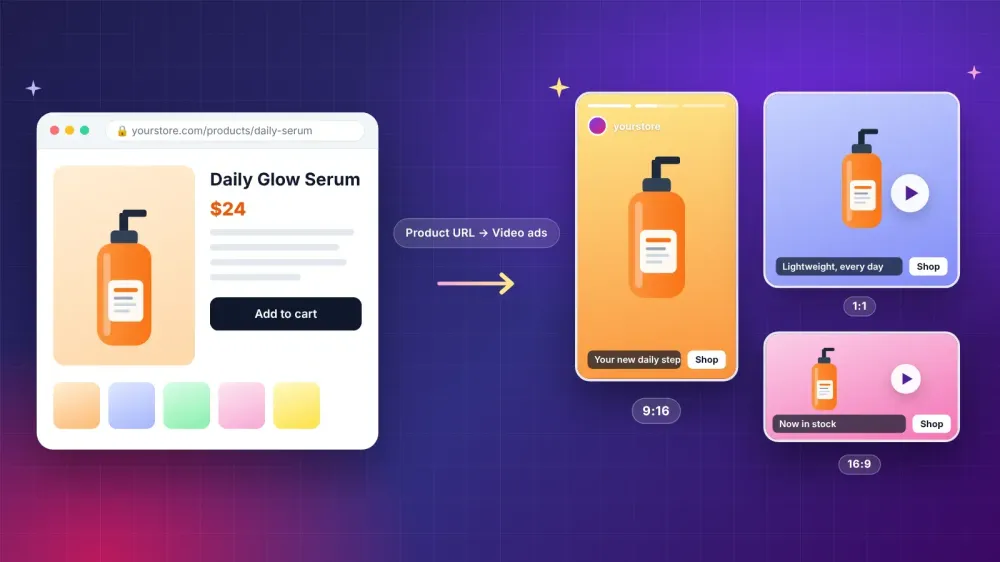
How Small Brands Can Turn a Product Page Into Short Video Ads
Learn how small brands can turn a product page into short video ads with an AI ad generator, from prepping the page to testing drafts and checking claims.Nov 311 min read
Build vs Buy Software in 2026: How AI Changed the Math
Build vs buy software in 2026: compare custom software and off the shelf SaaS on cost, speed, data control and AI agents, plus a checklist before you decide.Nov 316 min read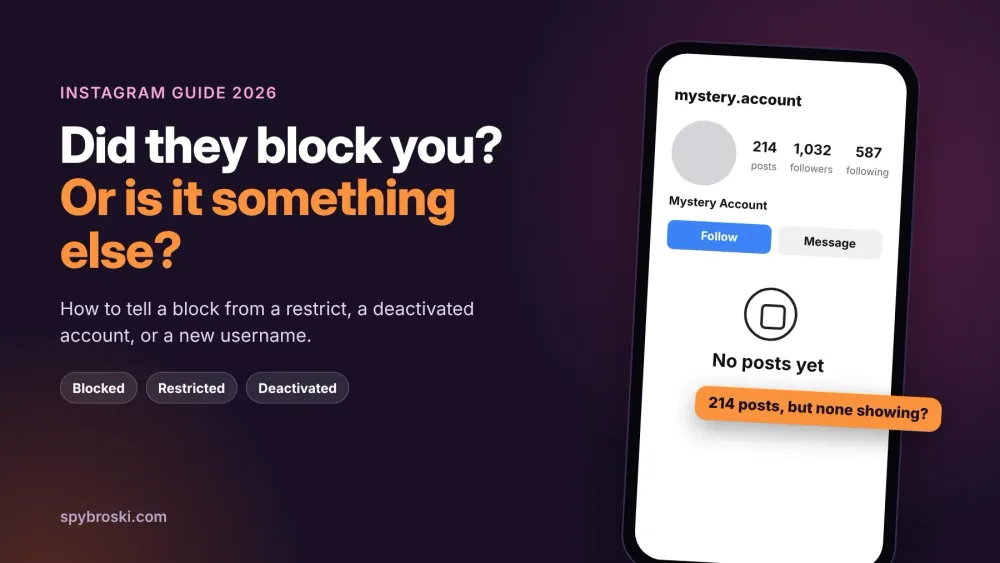
How to Know If Someone Blocked You on Instagram (and When It's Something Else)
Not sure if someone blocked you on Instagram? Learn the signs, three quick checks, and how a block differs from restrict, mute, or a deactivated account.Oct 3111 min read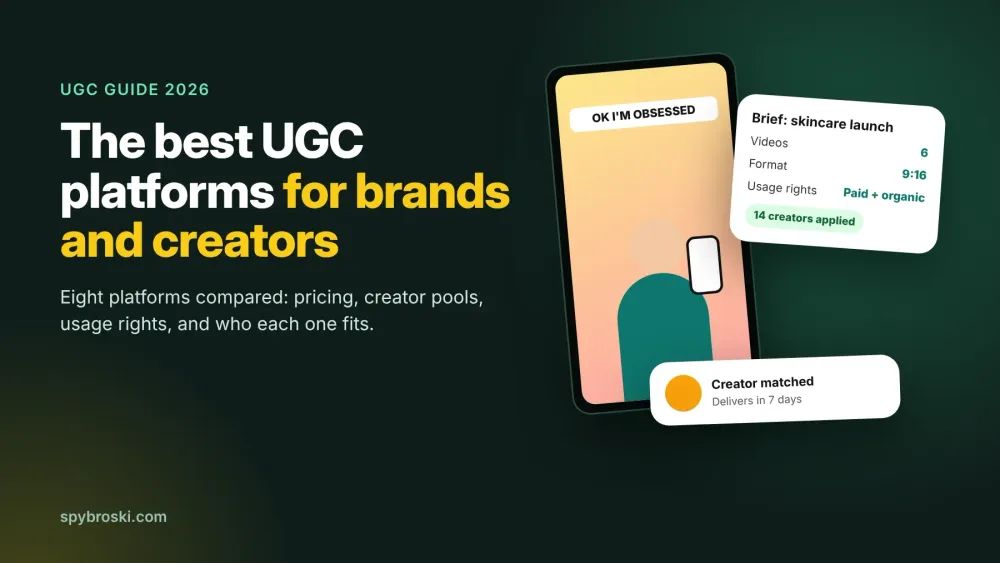
Best UGC Platforms in 2026: Where Brands Find Creators (and Creators Find Paid Work)
Compare the best UGC platforms in 2026: pricing, creator pools and usage rights for brands, plus where beginners can find paid UGC jobs.Oct 3114 min read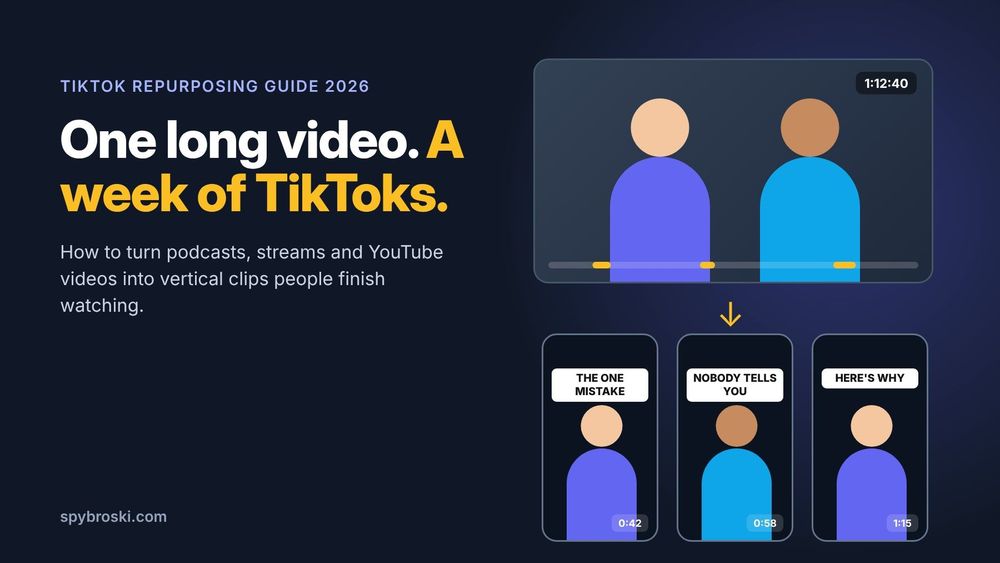
How to Repurpose Long Videos for TikTok: A Step by Step Guide (2026)
Learn how to repurpose long videos for TikTok step by step: pick the best moments, reframe to 9:16, add captions, and speed it up with AI clip makers.Oct 3013 min read
Inside the AI Tools Powering the 2026 Creator Economy
The creator economy has quietly turned into one of the largest proving grounds for applied AI. While tech headlines still obsess over flashy generative art or…Oct 3012 min read