Does Snapchat Notify When You Screenshot a Story? Here is the Truth

James Rice
Does Snapchat Notify When You Screenshot a Story? Here is the Truth
You know that sinking feeling. You are tapping through stories, you see something you need to save, and your fingers move on autopilot. Click. You took a screenshot. Then the panic hits you. Does she know? Did he get a notification? You stare at your phone, wondering if you just made things incredibly awkward.
Snapchat was built on the idea of disappearing content. It feels private. It feels temporary. That is why the app has always been aggressive about letting people know when someone tries to save that temporary content.
Here is the short answer regarding stories. Yes, Snapchat typically notifies the user when you screenshot their story.
When they check who viewed their story, your name will have a specific icon next to it. It is not a push notification that pops up on their lock screen like a chat screenshot (usually), but it is right there in their viewer list. It stands out. If they are paying attention, they will see it.
Why We Even Need to Download Stories
It is not always about being creepy or spying. Honestly, there are a million legitimate reasons you might want to save a story.
Maybe your best friend posted a hilarious video you want to keep for a birthday compilation later. Maybe there is a recipe or a workout routine you want to reference when you are offline. Or perhaps you are a parent trying to keep tabs on what your teenager is posting publicly without making them feel suffocated by friending them.
The problem is Snapchat does not care about your intent. It just sees a screenshot and flags it. This limitation makes it hard to save memories or keep track of things without announcing your presence to the world. It forces you to choose between losing the content forever or letting the person know you saved it.
A Better Way to Save Content
So what do you do if you want to keep that video but skip the awkward conversation? You need a tool designed to bypass the app's detection triggers. This is where a third-party solution comes in handy.
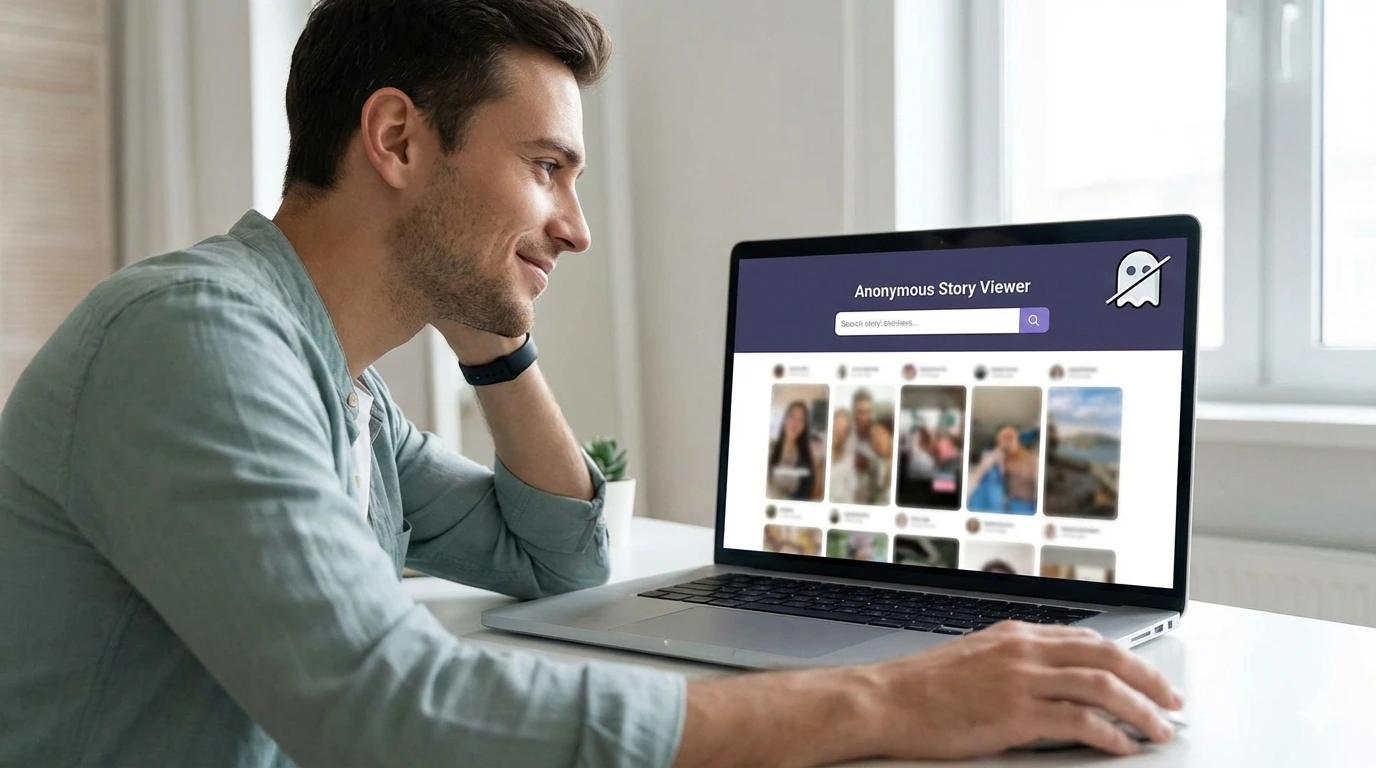
One effective method is using a snapchat video downloader to screenshot stories without notifying. Tools like Spybroski allow you to view and save content externally. Since you aren't viewing the story directly inside the signed-in app environment in the same way, the trigger for the notification doesn't go off.
How Spybroski Works: A Step-by-Step Guide
Spybroski operates as a snapchat story viewer that sits outside the main app. Think of it as a window that lets you look in without actually walking through the front door. It grabs the public data associated with a username and presents it to you.
This is incredibly useful for parents. If you are worried about what your child is posting on their public story but know they will block you if you try to follow them, this tool gives you a safety net. You can ensure they aren't sharing inappropriate content or location data with strangers.
Here is how you can use it:
- Locate the Username
You need the exact username of the account you want to view. You do not need their password or your own account logged in. - Open the Spybroski Tool
Navigate to the website. You will see a search bar specifically designed for entering user handles. - Run the Search
Input the username and hit the search button. The snap viewer engine will query the public servers to see what stories are currently active for that account. - View Anonymously
Once the stories load, you can watch them. The user on the other end sees nothing. No view count increase from you, and definitely no screenshot notification. - Download the Content
If there is a video or photo you need to keep, there is usually a download option right there. You save the file directly to your device. Since the download happens from the website, not the Snapchat app, no alarm bells ring on the user's phone.
When Should You Use an Anonymous Viewer?
There are plenty of scenarios where an anonymous snapchat story viewer is the best tool for the job.
Parental Monitoring
Kids are smart. They know how to hide things from parents on their main feed. But they often forget how public their "Public Stories" really are. Using a viewer lets you check in on their digital footprint to ensure they are staying safe online.
Market Research
If you run a business, you might want to see what competitors are doing on their socials. Watching their stories from your official brand account looks unprofessional and tips them off that you are watching. An anonymous viewer lets you gather intel quietly.
Avoiding Awkwardness
Sometimes you are just curious about an ex or an old friend you fell out with. You want to see how they are doing, but you don't want to open the door for a conversation. Watching via a third-party tool satisfies your curiosity without the social consequences.
Summary
Snapchat is designed to tattle on you. If you screenshot a story within the app, assume the other person will find out. It is just how the platform works.
But you are not out of options. Whether you are a concerned parent, a marketer, or just someone who wants to save a funny video without the drama, tools like Spybroski offer a workaround. By using a dedicated downloader and viewer, you bypass the internal tracking of the app. You get the content you need, and the other person remains none the wiser. It is the smartest way to browse if you value your privacy.