TikTok Posting Times for Students: Schedules & Peaks
Spybroski Team
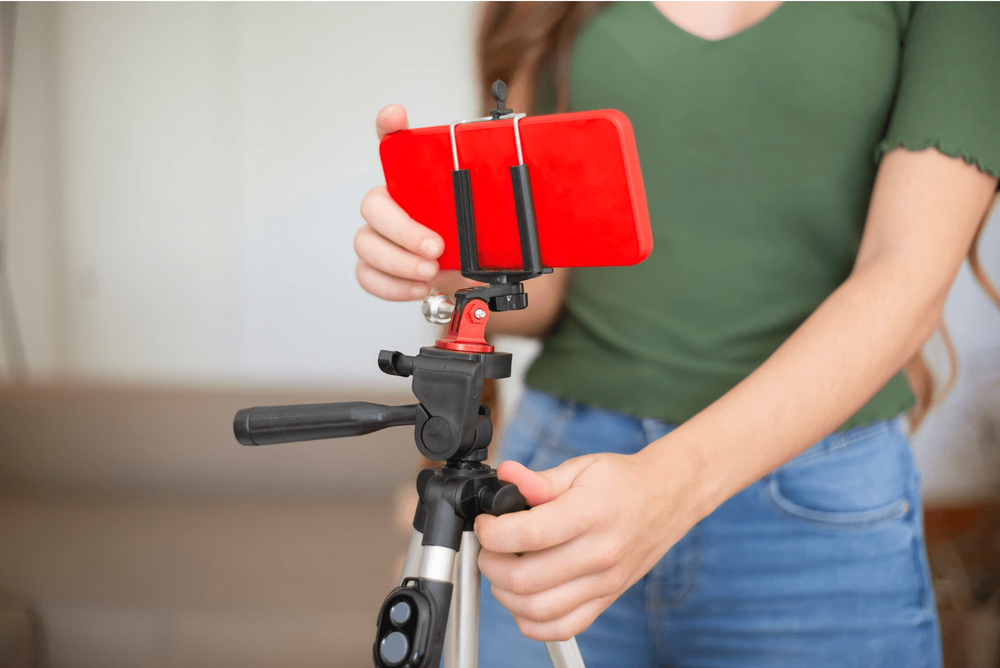
Starting out as a student content creator is equal parts thrilling and chaotic. One hour you are sitting in a packed lecture hall deciphering macroeconomic models or organic chemistry reactions; the next, you are setting up your phone on a stack of textbooks to film a quick daily vlog or a comedic sketch about dorm room dining. While creating great content is half the battle, getting your videos seen on TikTok's For You Page (FYP) requires a clear understanding of timing.
Students operate on a completely different biological and academic clock than the average office worker. Your target audience is not checking their feeds during standard 9-to-5 coffee breaks; they are scrolling under lecture desks, sitting on campus shuttles, unwinding after late-night study sessions, or procrastinating before midterm exams. Understanding how your campus schedule interacts with TikTok’s recommendation algorithm is the key to converting casual viewer scrolls into long-term channel growth.
The Student Routine vs. the TikTok Algorithm
Balancing the demands of higher education while building an online presence requires a strategic approach to time management. Between balancing heavy course loads, attending mandatory campus lectures, and writing papers late into the evening, finding time to maintain a consistent content schedule can feel like an impossible juggling act. Fortunately, TikTok’s recommendation engine does not work like traditional real-time platforms where reach vanishes after thirty minutes. Instead, the platform tests your videos in small initial audience batches, distributing them gradually over hours based on watch time, completion rates, and early engagement signals.
This algorithmic distribution delay is actually your secret weapon as a student creator. If you post a video at 7:00 AM before your first morning class, TikTok’s system begins evaluating your content through smaller test groups during the early hours. By the time peak student scroll hours hit in the late afternoon and evening, the algorithm has already validated your clip's retention metrics and is prepared to push it to a much broader audience of peers. Aligning your upload schedule with student lifestyle patterns guarantees your content receives maximum initial traction right when your classmates are picking up their phones.
Peak TikTok Posting Windows for College & University Students
To maximize your reach without sacrificing your grade point average, map your publishing schedule around four distinct daily activity windows. Each window caters to a unique mindset and scrolling behavior common among high school, college, and university students.
1. The Early Morning Wake-Up Scroll (6:00 AM - 9:00 AM)
While few students are filming original videos at dawn, millions check their phones the instant their morning alarm rings. The first 15 minutes after waking up are dominated by low-friction scrolling in bed, followed by quick checks while getting dressed or riding campus transit. Posting during this early morning window takes full advantage of TikTok’s algorithmic processing delay. By publishing early, you give the platform several hours to test your video so that it hits peak momentum right as afternoon study breaks begin.
2. The Midday Lecture Break (11:30 AM - 1:30 PM)
The hours surrounding lunchtime represent a massive spike in student platform activity. Between class transitions, dining hall meals, and library breaks, students turn to TikTok for rapid entertainment. Content posted during this window should feature immediate hooks and high visual energy, as users are often looking for quick distractions before heading into their afternoon seminars.
3. The Post-Class Unwind Window (4:00 PM - 7:00 PM)
As afternoon lectures finish and students return to dorms, apartments, or student centers, engagement on TikTok surges dramatically. This is historically one of the strongest daily posting slots across social media platforms. Students are decompressing after classes, making dinner, or heading to gym sessions. Content that feels casual, relatable, or reflective, such as "Get Ready With Me" clips, outfit checks, or daily campus recaps, performs exceptionally well during these early evening hours.
4. The Late-Night Study Grind & Wind-Down (10:00 PM - 1:00 AM)
Student life is uniquely late-night oriented. Whether taking breaks during late study sessions or scrolling in bed before sleep, student creators often see massive engagement spikes late into the night. Late-night viewers tend to watch longer videos, comment more frequently, and engage with cozy, humorous, or highly relatable student-life content. Posting between 10:00 PM and 11:00 PM captures this night-owl audience right as their focus shifts from academics to relaxed entertainment.
Strategic Overview of Daily Student Windows
- 6:00 AM - 9:00 AM (Morning Prep): Establishes algorithmic momentum; ideal for motivational morning routines, daily vlogs, and preview teasers.
- 11:30 AM - 1:30 PM (Midday Break): Captures high-volume, short-burst attention between classes; best for trending audio, quick skits, and hot takes.
- 4:00 PM - 7:00 PM (Post-Lecture Chill): Leverages peak evening decompression hours; perfect for storytimes, outfit breakdowns, and campus vlogs.
- 10:00 PM - 1:00 AM (Late-Night Scroll): Engages dedicated night owls; ideal for study rants, late-night aesthetics, and long-form conversational content.
Day-by-Day Posting Breakdown for the Academic Week
Not every day of the academic week yields the same level of engagement. Student viewing habits shift dramatically between high-stress mid-week academic pushes and relaxed weekend social schedules.
| Day | Best Primary Window | Best Secondary Window | Target Content Style |
|---|---|---|---|
| Monday | 1:00 PM | 6:00 PM | Motivational recaps, weekly prep vlogs |
| Tuesday | 6:00 AM | 9:00 PM | Quick study tips, daily outfits |
| Wednesday | 9:00 PM | 11:30 AM | Mid-week rants, late-night study breaks |
| Thursday | 6:00 AM | 1:00 PM | High-energy trends, weekend previews |
| Friday | 4:00 PM | 7:00 PM | Weekend plans, post-lecture GRWMs |
| Saturday | 4:00 PM | 8:00 PM | Social vlogs, leisure activities |
| Sunday | 9:00 AM | 8:00 PM | Reset routines, study sessions, weekly planning |
Key Weekly Milestones
- Monday Reset: Mondays carry heavy academic obligations. Students seek quick moments of relief between classes. Target 1:00 PM or 6:00 PM to catch viewers as they wrap up their first day of lectures.
- Mid-Week Study Push (Tuesday & Wednesday): Mid-week days are ideal for evening posts. As students hunker down to tackle assignments, late-night study breaks become frequent. Aim for 9:00 PM to 10:00 PM, when students actively seek mental breaks.
- Thursday Algorithmic Peak: Data across social analytics platforms consistently highlights Thursday as one of the single best overall days to post on TikTok. Students anticipate the weekend, resulting in higher screen time. Target 6:00 AM - 8:00 AM to allow your video to build momentum, or post directly at 1:00 PM for immediate afternoon traction.
- Friday & Weekend Shifts: Friday posting behavior shifts earlier. Students often put their phones away later on Friday night for social events, so post between 4:00 PM and 6:00 PM. Saturday afternoons (4:00 PM - 8:00 PM) and Sunday mornings (9:00 AM - 11:00 AM) deliver exceptional overall watch time as students relax in dorms.
How to Audit Your Own Student Audience Analytics
While general industry benchmarks provide a reliable baseline, every creator’s specific audience behaves differently. A student creator making STEM tutorial content will have different peak viewer windows than someone filming college fashion, Greek life, or athletics.
To fine-tune your personal posting schedule, leverage TikTok Studio’s built-in analytics tool:
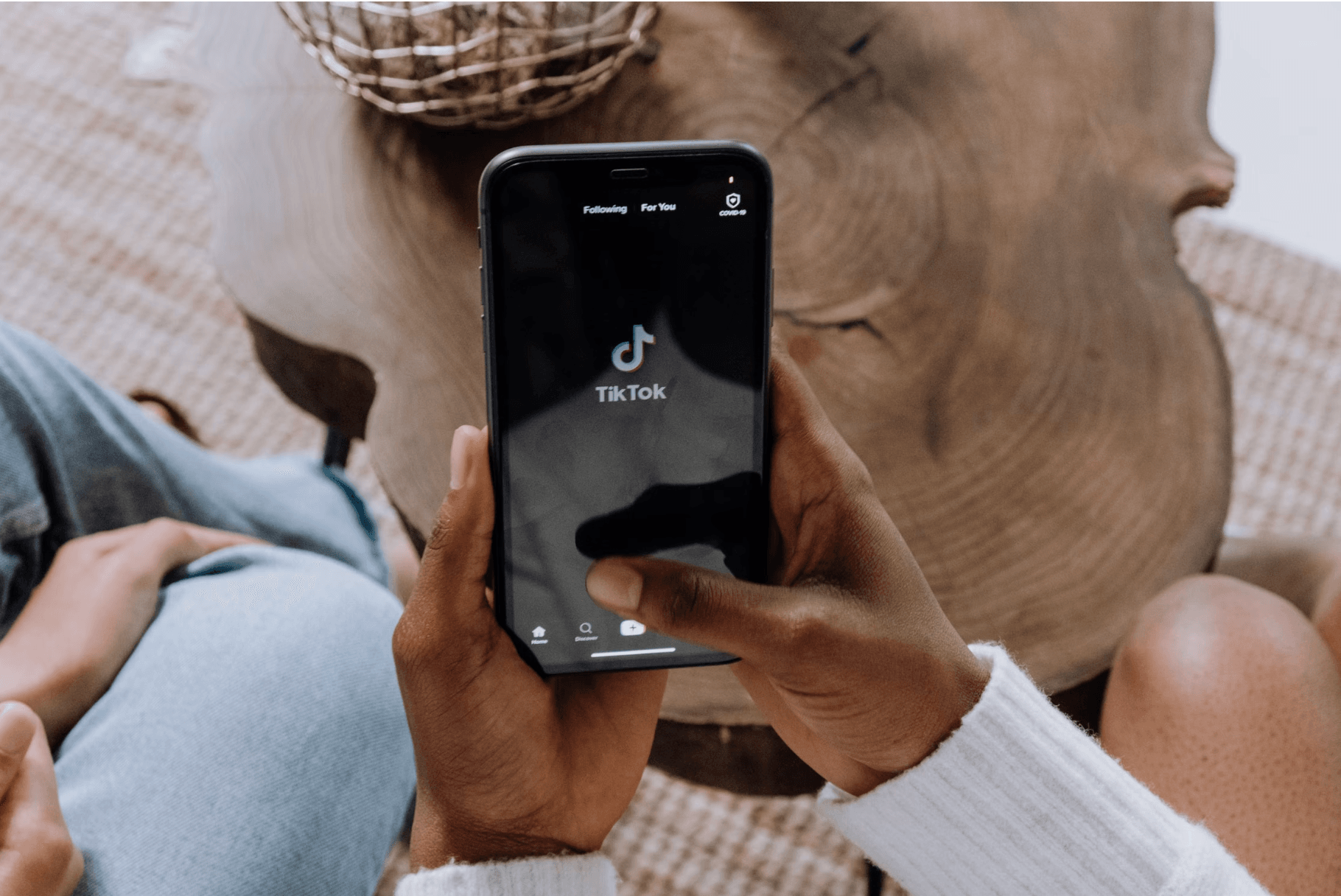
- To access TikTok studio open your profile, tap the menu icon, and navigate to TikTok Studio Analytics.
- Scroll to the Most active times section, to review the Followers Tab which displays your followers' activity patterns broken down by hour and day.
- Adjust for the time zones of your followers. If you attend university on the West Coast of the US but a large portion of your followers reside on the East Coast or internationally, adjust your posting schedule to match their local peak hours rather than your personal campus clock.
- **Monitor early retention signals.**Track watch time percentages and first 3-second retention metrics across your posts. If videos posted at 10:00 PM consistently achieve higher completion rates than those posted at 2:00 PM, shift your core schedule toward late-night slots.
Practical Content Batching Strategies for Busy Students
Maintaining a posting schedule of one to three videos per day can quickly become overwhelming when combined with exams, project deadlines, and lectures. The secret to maintaining creator consistency without sacrificing your grades lies in content batching.
Dedicate two hours during your least demanding day of the week, typically Sunday afternoon, to film multiple video concepts in a single session. Save these clips as drafts or schedule them in advance using TikTok’s web application scheduler. Filming quick background footage of your study setup, campus walks, or coffee runs gives you a media library of background B-roll that can be quickly paired with trending audio during short breaks throughout the week. By separating filming from publishing, you maintain steady account growth while keeping your primary focus on academic success.