Importance of Web Hosting Control Panels for Efficient Server Administration

Spybroski Team
It is very important to manage servers accurately so that websites and online programs run smoothly. Command Line Interface (CLI) Programs and manual configuration were used for some time to manage servers, but those methods require a lot of skilled training, and the manager(s) must constantly check on the server/servers constantly. With the introduction of the web hosting control panel, server management has changed significantly and is being performed much faster and with fewer people. Command-line interface and manual configuration are required to manage servers.
Due to the ease of use of control panels, they have made server management much quicker and easier. Both businesses and hosting providers need to examine the ways in which they can efficiently and effectively utilize a web hosting control panel.
What is a Web Hosting Control Panel?
A web hosting control panel is a graphical application program that allows the administrator to access all of the various components needed to manage the servers and web hosting accounts by viewing an interface. Rather than typing in commands, you just click on buttons for the various functions that you need to perform:
- Manage your domains - Create email accounts - Configure your databases - Monitor the resources of the server - Control & configure your security settings
As a result, server management has been streamlined, and performing server management tasks has become even easier.
Simplifying Server Administration
Speed plus precision shapes how well servers are managed. Inside a single interface, a web hosting control panel brings together tasks that run the system.
With everything in one place, admins handle updates while setting up services, plus handling user tasks. Fewer mistakes pop up because they stay focused, getting more done each day.
Freed-up minutes from daily chores might go toward tightening defenses or boosting speed. What gets trimmed today could fuel sharper results tomorrow. Little gaps in workload? They open chances to strengthen systems quietly behind the scenes.
Tracking and Handling Resources
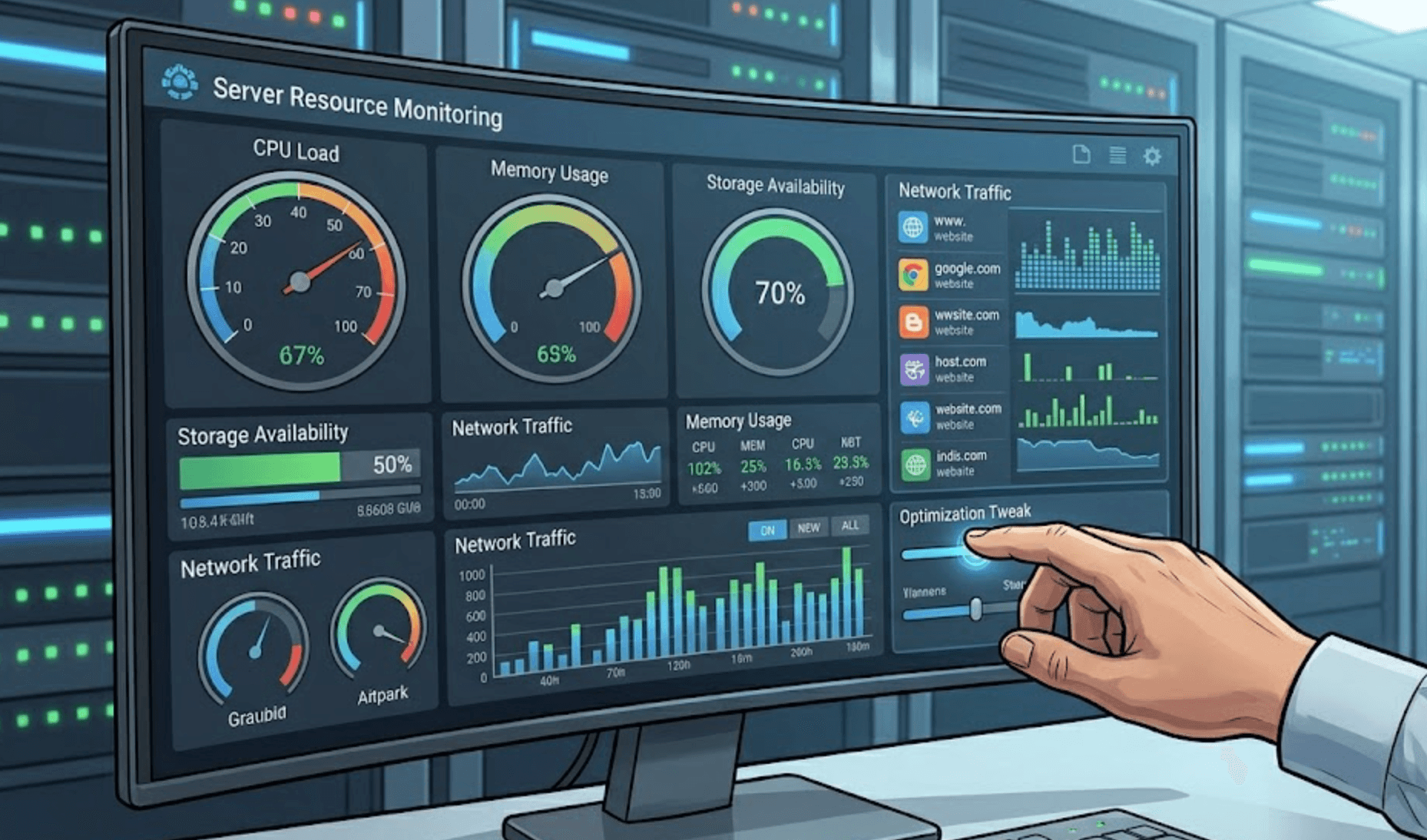
A single server only holds so much power; its brain, memory, storage, and speed aren't endless. When nobody keeps an eye on those pieces, things start to slow down.
Right now, control panels show live numbers. When admins check in, they notice resource usage patterns, then tweak configurations based on what they spot. Settings shift smoothly once someone watches a trend unfold.
Without it, systems can fail. Still, balance keeps everything running smoothly.
Improved Security Management
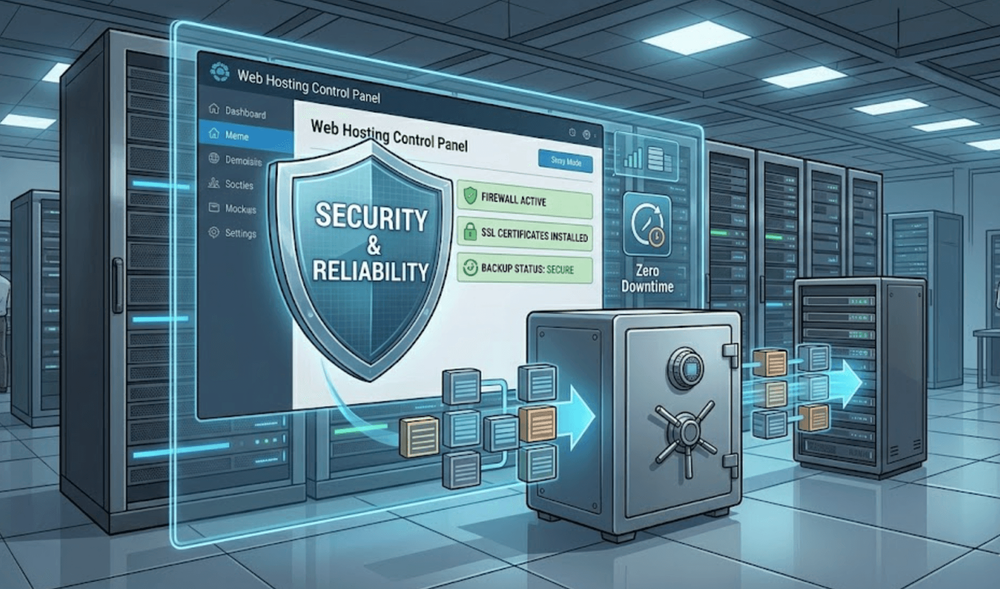
Handling safety matters takes up much of managing servers. Because of this, control panels include features that handle firewalls, SSL setup, or backup tasks.
Fixes roll out more smoothly when systems are streamlined. Because of this, staying current slashes weak spots that hackers might exploit.
Faster reactions when trouble hits come from keeping everything nearby. Where things live matters less than how quickly they can be used.
User & Access Control
Managing access to your systems is an important component of protecting system integrity. Control panels allow you, as an administrator, to create multiple user profiles that give employees different levels of access.
Controlling what users can access means they have the ability to do their job, without risk of accidentally or purposely making changes. Eliminating permissions reduces the risk of making changes accidentally and/or without authorization.
This is also a means of establishing accountability within a team.
Task & Scheduling Automatically
Managing servers through manual work is time-consuming. Automation allows you to work more efficiently.
Web hosting control panels provide administrators with the ability to create scheduled events for backing up data, updating software, and performing routine maintenance. Automation reduces the amount of work you must do and decreases the likelihood of human error.
Automation also ensures that your server operations are done consistently.
Managing Multiple Websites
Finding one spot for each site gets messy when lots of apps live on a single machine. Working through terminal steps for every piece tends to slow things down.
One way to keep websites tidy? A control panel makes it happen. Every website might run on its own database while holding separate emails alongside unique configurations. Structure shows up where you least expect, inside each setup lie distinct choices made clear through layout.
Much clearer when handled this way, cuts down on wasted minutes. Timing gets better once the system settles in.
Backup and Recovery Choices
A surprise crash might hit without warning. When machines break, glitches spread, or hackers strike, information vanishes.
With control panels, setting up backups feels straightforward. Getting your files back takes little time at all.
Few things matter more than keeping operations running, so when hiccups hit, recovery happens fast. Outages shrink because systems adapt on the fly.
Administration of Multiple Websites
Numerous hosts operate many domains and systems. Effectively administering these systems using command-line tools alone can be difficult to administer effectively.
Control Panels provide a more organized way to administer websites where each site can have its own database, email accounts, and configuration.
The structured approach of a control panel can help to improve visibility and save you time.
Backup and Restore Options
There can be many unforeseen events that can result in an abrupt loss of data, whether the reason is due to hardware failure, software bugs, or even attacks on your system.
With a control panel, backing up your data is an easy process and can allow for a rapid restoration of data.
Having a fast and reliable way to back up and restore your data ensures you can maintain the operation of your business with little to no downtime.
Performance Improvement
One part of successfully managing a server is ensuring that it operates at its optimal performance level. Control panels come equipped with tools that can allow you to manage caching, optimize databases, and configure server services.
These features help to provide faster response times when users are looking for information from your website, as well as provide better reliability and have less downtime.
When you provide an improved user experience by giving them access to needed information quickly and reliably, you will improve your business performance.
Challenges to Keep in Mind
While control panels simplify management, they must be used responsibly.
Improper configurations can still create issues. Regular monitoring and following best practices remain important.
Choosing a secure and well-maintained control panel is essential.
Final Thoughts
Web hosting control panels play a vital role in efficient server administration. They simplify management, improve security, and enhance performance.
By centralizing tasks and enabling automation, they reduce complexity and increase reliability. For modern businesses and hosting providers, a control panel is not just a convenience tool. It is a key component of stable and effective server operations.