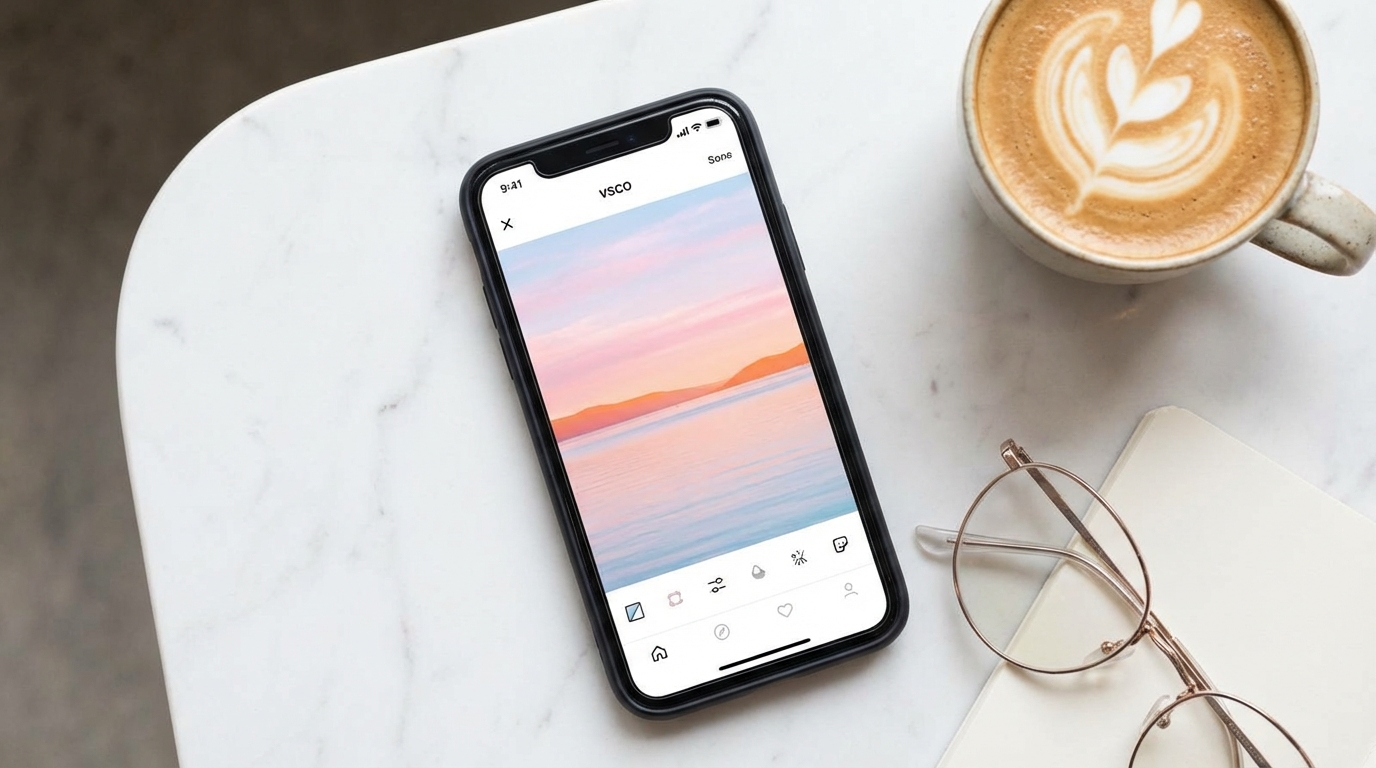
How to Download VSCO Images (And What Is VSCO, Anyway?)

Spybroski Team
How to Download VSCO Images (And What Is VSCO, Anyway?)
If you've ever scrolled through VSCO and found a photo you wanted to save, you already know the frustration. There's no download button. No "save image" option. Nothing. You're left staring at a gorgeous shot with no clear way to keep it. The good news? You can download VSCO images without jumping through a ton of hoops. And if you're not sure what VSCO even is, we'll cover that too.
This guide walks you through what VSCO is, why people love it, and the simplest ways to save photos from it. Whether you're building a mood board, archiving your own work, or just saving something that caught your eye, this post has you covered.
So, What Is VSCO?
VSCO started as a photo editing app back in 2011. the name originally stood for Visual Supply Company. Over the years, it grew into something bigger. Think of it as part editing tool, part social platform, and part creative community all rolled into one.
What makes VSCO different from Instagram or TikTok? A few things.
First, there are no likes, no follower counts, and no public comments. the whole vibe is less about popularity and more about the work itself. People post photos and videos without worrying about engagement metrics. That alone makes it feel refreshing.
Second, the editing tools are solid. VSCO offers a library of filters (they call them presets) that give photos a film-like quality. You've probably seen that soft, slightly desaturated look all over social media. That's the VSCO aesthetic. It blew up around 2019 with the whole "VSCO girl" trend, but the app has been a go-to for photographers long before that.
Users can share their edited work on a personal grid, kind of like a portfolio. Some people treat it as a visual journal. Others use it to showcase their photography. Either way, the content on VSCO tends to be high quality and visually consistent.
Here's the catch though. VSCO makes it easy to share your own content. But saving someone else's public photos? That's a different story.
Why Can't You Just Save VSCO Photos Directly?
Unlike some platforms, VSCO doesn't offer a built-in option to download images from other people's profiles. You can share links. You can repost within the app. But there's no native save or download button for someone else's content.
This is a deliberate design choice. VSCO wants to protect creators and their work. And that's fair. But it also creates a real problem for people who want to save images for personal use, reference, or inspiration.
You might be thinking, "Can't I just screenshot it?" Sure, you can. But screenshots compress the image. you lose quality. If you want the full resolution version of a VSCO photo, a screenshot won't cut it.
That's where third party tools come in.
How to Download VSCO Images the Easy Way
Let's get to the practical part. There are several ways to save VSCO images, and the method you choose depends on what you're comfortable with. Here are the main approaches.
Method 1: Use a Free Online VSCO Downloader
This is the simplest route. No software to install. No accounts to create. You just need the link to the VSCO image you want to save.
One solid option is the free VSCO downloader . it works right in your browser and handles the whole process in a few clicks.
Here's how it works:
- Open VSCO in your browser or the app.
- Find the image you want to save.
- Copy the image URL. it looks something like vsco.co/username/media/12345.
- Paste that URL into the downloader tool on spybroski.com.
- Hit download.
That's it. You get the image in its original quality. No watermark. No sign-up required. it takes about 10 seconds.
Web-based tools like this are popular because they work on any device. Phone, tablet, laptop. doesn't matter. As long as you have a browser and the image link, you're good.
Method 2: Mobile Apps
There are apps on both Android and iOS that let you download VSCO images. You'll find them by searching "VSCO downloader" in your app store. Most of them follow the same paste-the-link workflow.
A couple of things to keep in mind with apps:
- Some are free but supported by ads. Expect pop-ups.
- Not all apps are created equal. Some haven't been updated in a while and may not work with VSCO's current URL structure.
- Check reviews before installing anything. Privacy matters, and some apps request permissions they don't need.
If you want something quick on your phone without downloading an app, a browser-based tool like the one at spybroski.com works just as well on mobile.
Method 3: Command Line Tools (For the Tech-Savvy)
If you're comfortable with a terminal, there are open source tools on GitHub that let you bulk download VSCO images from entire profiles. One popular option is a CLI tool that accepts a username and pulls all public images and videos.
You'd run something like a command with the username and a flag to specify images, videos, or both. This is useful if you want to archive a full profile or grab a large batch at once.
This method isn't for everyone. it requires some technical setup. But if you're a developer or you're comfortable with the command line, it's the most powerful option available.
What About Downloading VSCO Videos?
Good news. Most of the tools that let you download VSCO images also support videos. The process is the same. Copy the link, paste it into your tool of choice, and save the file. Videos typically download in MP4 format.
If you're using the free downloader at spybroski.com, video downloads work just like image downloads. Paste the URL and the tool handles the rest.
Can You Download Images in Bulk?
Yes, but your options narrow a bit. Most web-based tools handle one image at a time. if you need to save a handful of photos, that's fine. Just repeat the process for each one.
For bulk downloads, you'll want either a desktop application like WFDownloader or the CLI tools mentioned earlier. These can process multiple URLs or even scrape an entire profile's public content. They support batch queues, which saves a lot of time when you're working with dozens or hundreds of images.
Is It Legal to Download VSCO Images?
This comes up a lot, and it's worth addressing. Here's the thing.
Downloading publicly available images for personal use is generally fine. Saving a photo to your mood board or using it as a reference for your own creative work? That's pretty standard behavior.
What you shouldn't do is pass someone else's work off as your own. Don't repost without credit. Don't use downloaded images commercially without permission. These are public photos, but they still belong to the person who created them.
If you plan to use a VSCO image in any public or commercial way, reach out to the creator first. Most photographers are happy to discuss usage. Just ask.
You can learn more about digital copyright basics on Wikipedia's copyright page.
Tips for Getting the Best Results
A few practical notes to make your experience smoother when you download VSCO images:
- Use the direct image URL. Some links point to a profile page rather than a specific post. Make sure you're copying the link to the individual image or video.
- Check your download folder. Sounds obvious, but files sometimes end up in unexpected places depending on your browser settings.
- Stick to trusted tools. There are sketchy sites out there that promise downloads but serve malware instead. Tools like the one at spybroski.com are straightforward and safe.
- Don't overthink file formats. Most downloads come in JPG or PNG for images and MP4 for videos. These work fine for almost any use case.
VSCO vs. Other Platforms: Why Downloading Is Different Here
On Instagram, you can find dozens of download tools that work right away. Same with TikTok, Twitter, and YouTube. VSCO is a smaller platform, so there are fewer tools available. But the ones that exist tend to work well because VSCO's URL structure is straightforward.
Another thing that sets VSCO apart is the image quality. Because the platform is built for photographers and visual creators, images tend to be higher resolution than what you'd find on Instagram. When you download VSCO images, you're often getting a better quality file than you would from other social platforms.
That's actually one of the main reasons people seek out VSCO downloaders in the first place. the quality difference is noticeable.
A Quick Recap
Let's wrap this up with the key points:
- VSCO is a photo and video editing app with a social sharing component. No likes, no follower counts. Just creative work.
- VSCO doesn't let you download other people's images natively. you need a third party tool.
- The fastest way to download VSCO images is with a free browser-based tool like the one vsco-downloader
- You can also use mobile apps or command line tools depending on your comfort level.
- Always respect the creator's work. Save for personal use and ask permission before using someone's photos publicly.
If you've been looking for a simple, no-fuss way to save VSCO content, give the free tool at spybroski.com a try. it handles images and videos, works on any device, and doesn't require you to sign up for anything. Sometimes the simplest solution is the best one.