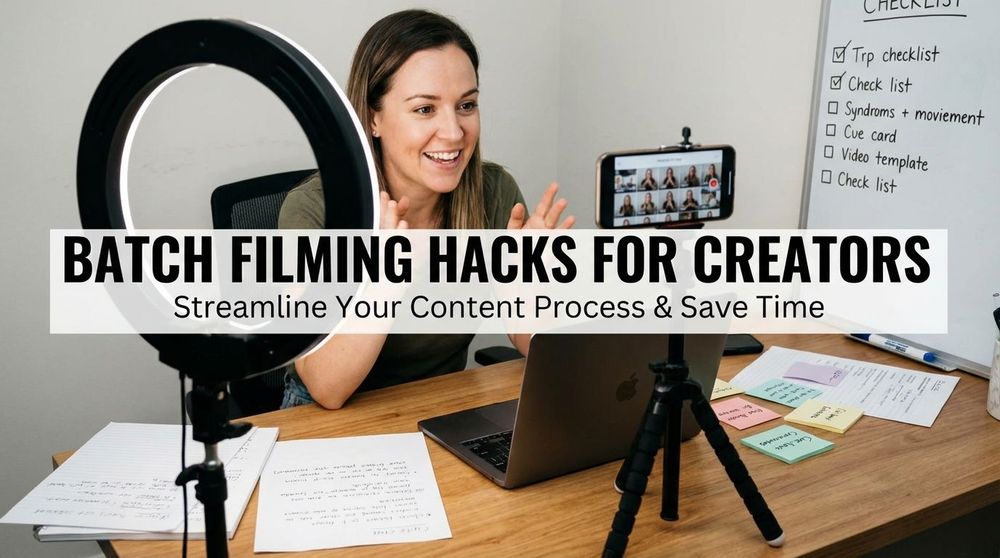
How to Batch Create Reels and Shorts in Half the Time

Spybroski Team
Let's be real. if you're trying to keep up with Instagram Reels, YouTube Shorts, and TikTok all at once, you probably feel like you're drowning in content demands. The algorithm wants fresh videos constantly, but who has time to edit clips every single day? That's where batch content creation comes in. Instead of grinding out one video at a time, you film and edit multiple pieces in one focused session. this approach can literally cut your production time in half, sometimes more. And no, you don't need fancy equipment or MrBeast-level editing skills to make it work.
Why Batch Creating Actually Saves Time
The concept is simple but powerful. when you sit down to create one Reel, you're dealing with setup time, finding your camera angle, getting in the right headspace, opening your editing app, finding music, adding captions. All that overhead eats up minutes. Now imagine doing that setup once and knocking out five or ten videos in the same session. You're reusing the same setup, the same energy, the same workflow.
Creators who batch report saving 80% or more of their time. That's not hype, that's just efficiency. You film all your clips in one go, then move to editing mode and apply the same template or formula to each video. It's like cooking meal prep for the week instead of making dinner from scratch every night.
Setting Up Your Batch Creation Formula
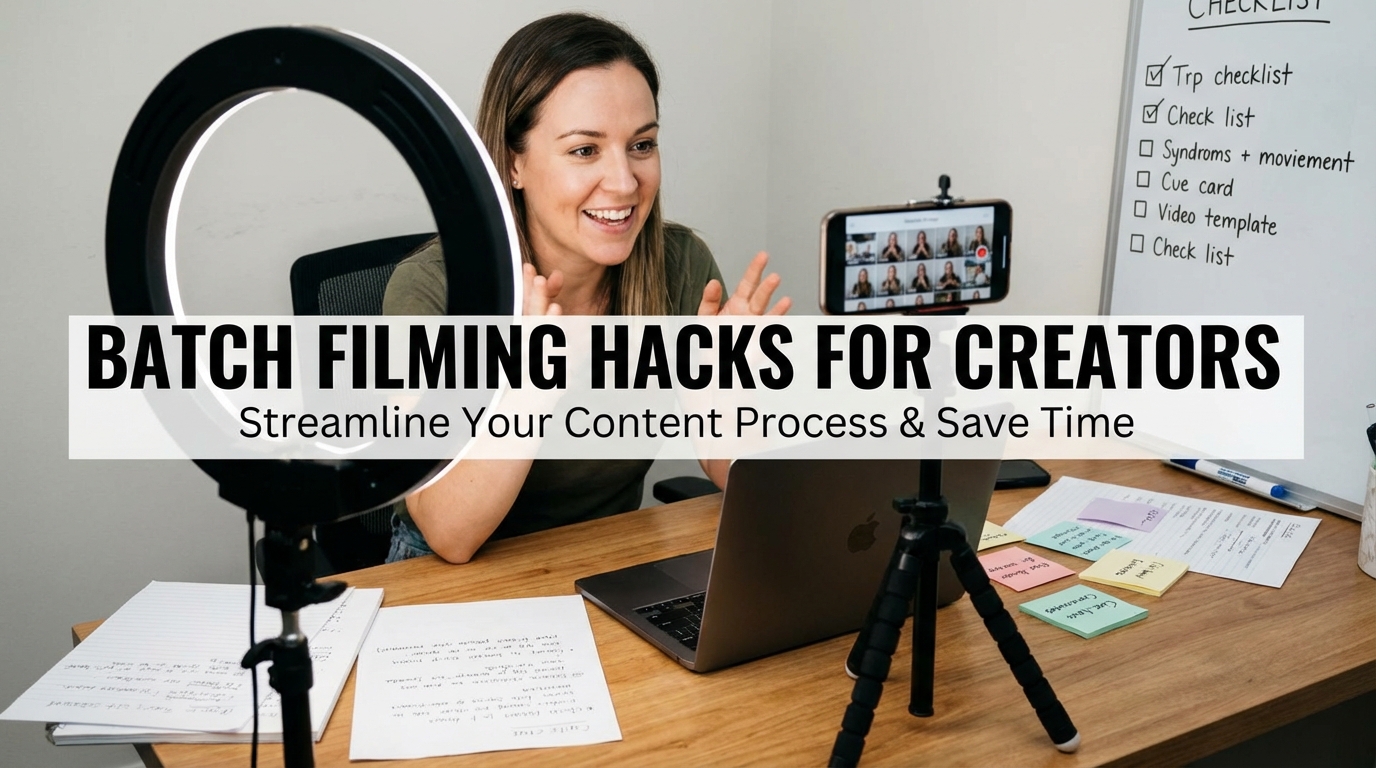
Here's the thing about successful batch content creation: you need a repeatable formula. Not every video has to be identical, but having a consistent structure makes everything faster. Think about your favorite creators. Most of them follow patterns you can spot if you pay attention.
Your formula might look like:
- Hook in the first 3 seconds
- Main tip or story in the middle 20-40 seconds
- Call to action at the end
Or maybe it's:
- Text overlay question
- B-roll showing the answer
- Your face explaining the takeaway
The exact format matters less than having one. When you know your structure, you can film five different topics using the same basic template. Record your hooks all at once, then your main content, then your outros. This batching within batching speeds things up even more.
The Simple Phone Camera Approach
You don't need a cinema camera. Most successful Reels and Shorts are filmed on phones. The quality is good enough, and honestly, overly polished content sometimes performs worse because it feels less authentic.
Set up your phone on a simple tripod or prop it against some books. Natural lighting from a window works great. if you're filming talking head content, record all your scripts back to back. Change your shirt between takes if you want them to look like different days. Batch filming means you might record ten videos in 30 minutes once you get rolling.
If you realize later that your framing was a bit too tight, you can use AI tools to expand images and add more background space, saving you from a total reshoot.
For b-roll content, spend one afternoon collecting clips. Film your morning coffee routine, your workspace from different angles, your hands typing, street scenes during a walk. Store these clips in a dedicated folder. Now you've got reusable footage you can drop into future videos without filming anything new.
Reusing and Repurposing Like a Pro
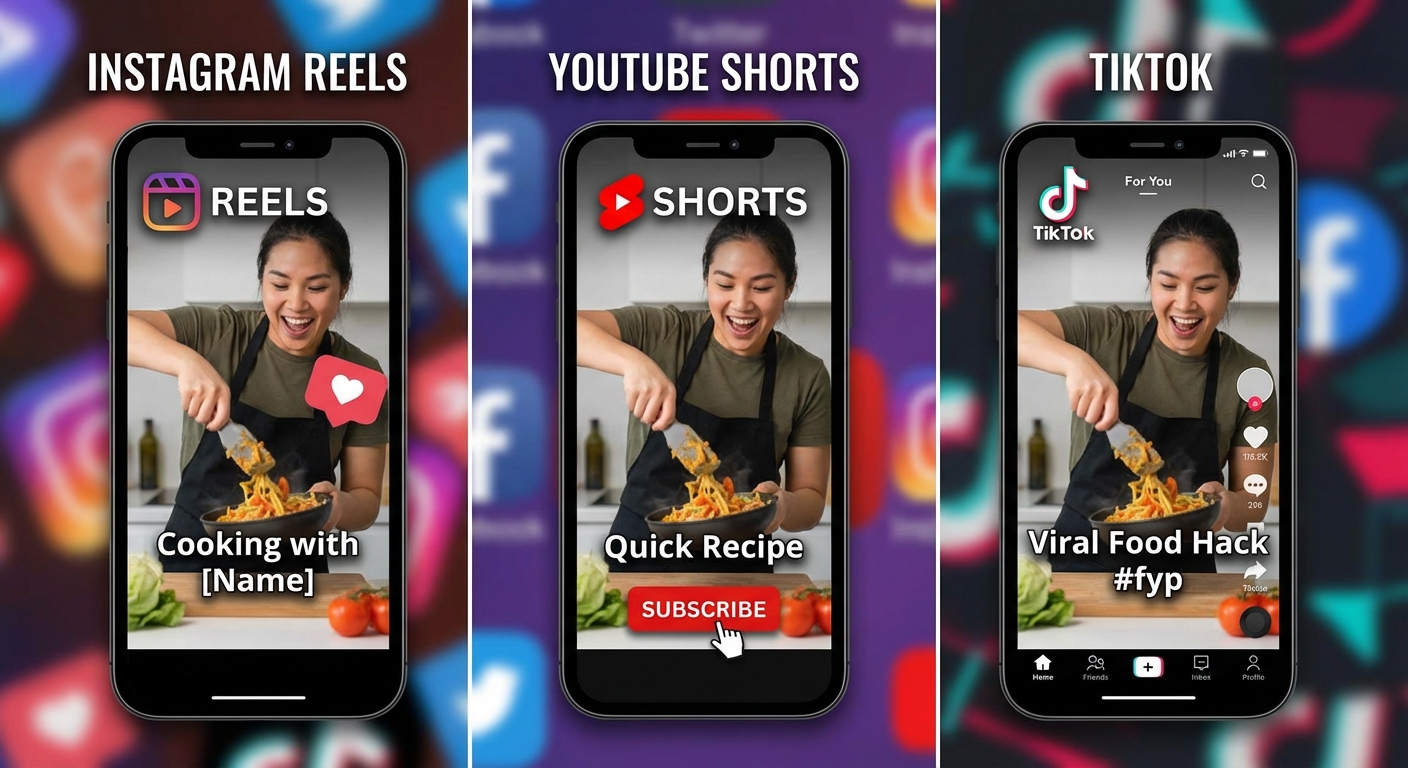
One of the biggest time savers? Stop creating unique content for every platform. Film one good piece of content and adapt it for Instagram Reels, YouTube Shorts, and TikTok. The platforms have slightly different specs (Shorts are up to 60 seconds, Reels go to 90), but you can work within those constraints.
To make this process faster, many creators use an AI clip maker to automatically turn long-form videos like podcasts, webinars, or YouTube content into multiple short clips ready for Reels, Shorts, and TikTok.
Here's a practical workflow: Create your "source video" first. This is your base content with your main message. Save it as a draft in Instagram to avoid watermarks if you're using their editing tools. Then export and adjust for other platforms. Add different text overlays, swap the music, change the cover image. Moreover, many creators now choose to edit video with ai, often using simple text commands to make quick adjustments without reworking the entire timeline. Same core content, but customized enough that it doesn't feel like a lazy repost.
Some creators even repurpose their high-performing tweets or blog quotes. Take your best one-liners, pair them with stock photos or simple animations, add a voiceover, and boom. You've got quick tiktok video editing done in minutes per clip.
Fast Reel Editing Apps That Actually Work
The app you choose matters. Some tools are built for speed, others bog you down with features you'll never use.
Instagram's Built-in Editor: Honestly underrated for quick edits. You can add transitions, effects, stickers (polls and quizzes boost engagement), and text without leaving the app. Save as draft to keep original audio quality and avoid watermarks. Then you can download and repurpose elsewhere.
Canva: This one's a game changer for bulk creation. You can connect it with ChatGPT to generate scripts or ideas, then use Canva's bulk create feature to pump out dozens of videos. Set up one template with your branding, connect a spreadsheet with your different video texts, and Canva generates variations. People are creating 100+ shorts in under an hour using this method.
InShot: Great middle ground. More features than Instagram but simpler than professional software. No forced watermarks on the free version if you know where to look. Good for adding effects and transitions when you want something slightly more polished.
For auto-captions (which you should absolutely use since most people watch without sound), apps like CapCut or even DaVinci Resolve's free version work well.
If you'd rather skip the editing work altogether, many creators also outsource their short-form content to professional services like Veedyou, a video editing agency that specializes in producing high-volume Reels, Shorts, and TikTok videos for creators and brands.
The AI Shortcut for Scaling Up
Look, AI tools have gotten scary good at helping with content creation. You don't need to do everything manually anymore.
ChatGPT (the free version works fine) can generate video scripts, hooks, and content ideas in seconds. Ask it to give you 20 variations of a hook about your topic. Pick your favorites and film them all in one session. Before recording, it’s smart to run those scripts through an AI checker to spot awkward phrasing, repetition, or anything that sounds too robotic, so your videos still feel natural and human.
Then pair that with Canva's bulk features. Upload your script variations as a spreadsheet, connect them to text elements in your Canva template, and export. You've just created youtube shorts quickly at a scale that would take days manually.
Some creators have taken this further, generating 167 Shorts from a CSV file of tweets. The setup takes an hour or two to learn, but then you can create weeks of content in a single afternoon. It's particularly useful for faceless channels or quote-style content where you're pairing text with stock footage.

Avoiding Common Batch Creation Mistakes
Here's where people mess up. They batch create 30 videos in one day, schedule them all, and then wonder why half of them flop. Batching saves time on production, but you still need to pay attention to what's working.
Don't batch schedule everything months in advance. Create in batches, but release strategically. Test your content, see what resonates, adjust. Maybe you filmed ten videos but only five concepts are actually landing with your audience. Save the others or rework them.
Also, watch out for watermarks. Some apps slap logos on your exports that scream "I used a free app" and platforms sometimes suppress that content. Stick with Instagram's native tools, Canva, or InShot to keep things clean.
And please, check your audio. When you're batch editing, it's easy to miss that one video where the music is too loud or the captions are off-sync. A quick quality check before uploading saves you from embarrassing mistakes.
Building Your Weekly Batch Schedule
Most successful creators dedicate specific days to specific tasks. Maybe Monday is your filming day. You knock out all your on-camera content for the week. Tuesday is editing day. You apply your template to each clip, add captions, pick music.
Wednesday through Sunday, you're posting and engaging, not creating from scratch. This separation helps you stay in the right headspace. When you're in "filming mode," you're energized and on camera. When you're in "editing mode," you're focused and technical. Switching between these constantly is exhausting and inefficient.
Start small if this feels overwhelming. Batch create three videos in your first session. See how it feels. Then scale up to five, then ten. You'll find your rhythm.
Making Batch Content Feel Fresh
One worry people have is that batched content will feel stale or repetitive. Fair concern. Here's how to keep things dynamic.
Use different hooks even if the core message is similar. Swap your intro style between videos. Maybe one starts with a question, another with a bold statement, the third with a quick story. Change your background or outfit between filming sessions, or at least between video setups.
Also, stay current with trending audio. Even if you filmed your videos two weeks ago, you can swap in fresh trending sounds during the editing phase. This keeps your content feeling timely even when it was created in advance.
Interactive elements help too. Add polls, quiz stickers, or "tap to see more" moments. These features make each video feel engaging regardless of when you actually created it.
Measuring What Works
After you've posted your batch of content, look at the numbers. Which videos got saves? Which ones had high watch-through rates? What made people comment?
Double down on what works. If your "3 tips" format crushed it, create more batches using that structure. If talking head content flopped but b-roll with text performed well, adjust your next filming session accordingly.
The beauty of batch content creation is you can test multiple approaches quickly. Instead of waiting weeks to try different styles, you can test five concepts in one week. Your learning curve compresses, and you figure out your winning formula faster.
Your Next Steps
Start by picking one batch session this week. Choose three to five topics you want to cover. Write basic scripts or bullet points for each. Set up your phone, film all the clips in one sitting. Then move to editing and apply a consistent template to each video.
You don't need perfect. You need done. The first batch might take longer than you'd like. That's normal. By your third or fourth batch session, you'll be moving twice as fast. By your tenth, you'll wonder how you ever created content any other way.
Batch creating reels and shorts isn't about churning out soulless content. it's about working smarter so you have more energy for the creative parts, the strategy, the engagement with your audience. That's where the real value lives anyway.
And when you're posting consistently without burning out? That's when the algorithm starts paying attention, when your audience grows, when the whole social media strategy thing actually becomes sustainable instead of exhausting. Give it a shot. Your future self will thank you.