How to Find Out Who Unfollowed You on Instagram (Unfollowers Tracker Guide)

Spybroski Team
You check your Instagram followers count and notice it's dropped. Again. That nagging feeling hits, wondering who decided your content wasn't worth their follow anymore. It's not vanity (well, maybe a little), but understanding who unfollowed you on Instagram actually matters for your growth strategy.
Instagram doesn't send notifications when someone hits that unfollow button, which is honestly frustrating. But there are ways to track who stopped following you on Instagram without losing your mind or risking your account.
In this guide, we aren't just listing apps; we are breaking down the safest, most effective methods to monitor your Instagram unfollowers in 2025 while keeping your account secure from shadowbans.
Why Tracking Instagram Unfollowers Actually Matters
Before we get into the how, let's talk about the why. Tracking unfollowers isn't just about nursing a bruised ego. It helps you identify patterns in your content that might be pushing people away.
- Content Mismatch: Maybe your posts about your cat aren't resonating with your fitness audience.
- Bot Cleanup: Perhaps those ghost followers you bought (no judgment) are finally getting cleaned out by Instagram's automated purges.
- Strategy Pivot: If you switched from Reels to Carousels and lost 50 followers, the data tells you what your audience prefers.
Monitoring who unfollowed you gives you real data to work with. You can spot non-reciprocal follows, clean up your follower list, and understand what content works. For influencers and businesses, this stuff translates directly to engagement rates and potential revenue.
The Manual Method: Old School but Reliable
Let's start with the basics. You can manually check who unfollowed you, though it's about as fun as watching paint dry. Here's how it works:
Open Instagram and go to your profile. Tap on your followers list and start scrolling through names you remember. If someone's missing, they probably unfollowed you. The problem? This only works if you have a small following and an excellent memory.
For accounts with hundreds or thousands of followers, this method is impractical. Your time is worth more than endless scrolling sessions. But if you're just starting out and want to avoid third-party tools, it's an option.
Instagram's Data Download: The Safest Technical Route
Here's something most people don't know about, and it is the gold standard for account safety. Instagram actually lets you download all your account data, including a complete list of your followers at that moment. This is the safest method because it comes straight from Instagram itself—no login credentials shared with shady apps.
Step-by-Step Guide to the Data Method:
- Request Data: Go to Settings & Activity > Your Information and Permissions > Download Your Information.
- Select Format: Choose "Some of your information" and select "Followers and Following."
- Choose JSON: Crucial Step: When asked for the format, select JSON (not HTML). It is easier for comparison tools to read.
- Wait: Instagram will email you a link (usually within 1 to 48 hours).
- Compare: Inside the zip file, you'll find followers_1.json and following.json.
Now comes the slightly technical part. Save this file and download it again in a week or two. Use a free online tool like ListDiff or a specialized JSON-to-Excel converter. Upload "List A" (your old follower list) and "List B" (your new list). The tool will highlight exactly who is missing.
This method takes patience and some basic tech skills, but it's 100% safe and accurate. No risk of violating Instagram's terms of service or getting your account flagged.
No-Login Unfollowers Tracker Tools: The Easy Way
If manual tracking sounds tedious (because it is), you have options. The key is choosing tools that prioritize your account safety.
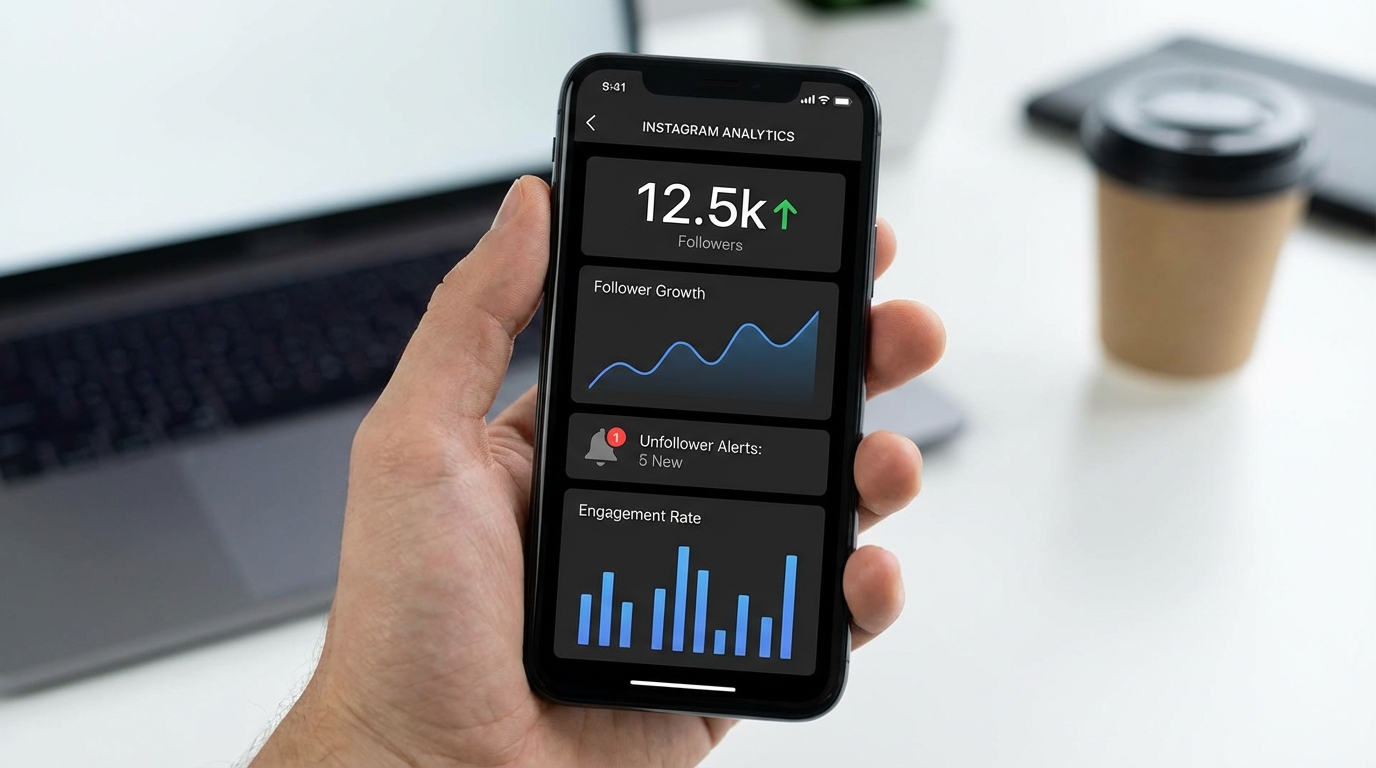
DolphinRadar has become popular because it doesn't require you to log in with your Instagram credentials. It works by tracking public accounts anonymously, which means zero risk to your account. Over 50,000 users trust it for tracking unfollowers, ghost followers, and people who don't follow back. The real-time updates are solid, and you can export your data into tables for deeper analysis.
The catch? It only works for public accounts. If your profile is private, you'll need a different approach.
Login-Required Apps: Proceed with Caution (Read This!)
Tools like FollowBuddy, FollowMeter, and Reports+ offer more features but require Instagram login access. FollowBuddy lets you upload your Instagram data instead of providing your password, which is safer than most. It costs about $49.99 per year and provides detailed engagement stats along with unfollower tracking.
FollowMeter and similar apps give you real-time notifications when someone unfollows you, plus insights into ghost followers and mutual connections. They're convenient, but here's the thing: any app that requires your login credentials carries some risk.
⚠️ The Safety Warning: Instagram's terms of service technically prohibit third-party apps that automate actions or access your account via unauthorized APIs. While tracking alone usually won't get you banned, acting on that data through the app will.
- Do not unfollow people directly inside these third-party apps.
- Do not refresh your stats more than once an hour.
Aggressive following and unfollowing through these apps can trigger Instagram's spam detection. Tread carefully and read reviews before connecting any app to your account.
Understanding What the Data Tells You
Once you know who unfollowed you, the real work begins. Look for patterns rather than taking it personally.
- Did you lose followers after posting a specific Story? (Your opinion might be polarizing).
- Did a batch of accounts disappear overnight? (Likely an Instagram bot purge).
- Are the unfollowers within your niche? (This is a sign of "Follow/Unfollow" gamers).
Ghost followers (accounts that follow you but never engage) are worth identifying too. These inflate your follower count but tank your engagement rate. Most unfollowers tracker tools highlight these accounts so you can decide whether to remove them.
The Features That Actually Matter in an Unfollowers Tracker
When choosing an unfollowers tracker, focus on these features:
Real-time tracking tells you immediately when someone unfollows you, rather than making you wait for periodic reports. This is useful if you're testing content strategies and want instant feedback.
Exportable data lets you analyze trends over time using spreadsheets or other tools. Raw data beats pretty charts if you're serious about growth.
Ghost follower detection identifies inactive or fake accounts cluttering your follower list.
Mutual tracking shows which accounts follow you back, helping you build genuine connections.
No login requirements keep your account safest from potential bans or hacks.
What Instagram Says About Third-Party Tools
Instagram has gotten stricter about third-party apps, especially those that automate actions. The platform updated its policies to crack down on services that artificially inflate engagement or violate user privacy.
Tracking apps that only read your public data generally fly under the radar. But tools that automatically follow, unfollow, like, or comment on your behalf? Those can get your account restricted or banned. Instagram wants authentic engagement, not bot behavior.
If you use a tracker, stick to ones that only monitor and report. Never use apps that promise to grow your followers through automation. That's a shortcut to account problems.
Making Sense of Why People Unfollow
Sometimes the "why unfollowed me on instagram" question matters more than the "who." People unfollow for various reasons, and most aren't personal.
- Content Fatigue: This happens when you post too frequently or your content becomes repetitive.
- Niche Drift: Occurs when your account shifts topics (e.g., from Travel to Crypto) and alienates your original audience.
- The Marie Kondo Effect: Some users periodically audit their following lists to reduce clutter, which has nothing to do with your content quality.
- The "Follow/Unfollow" Strategy: Many users follow you expecting a follow back. If you don't reciprocate within a few days, they unfollow. These are low-quality followers—let them go.
Then there are the less flattering reasons. Poor content quality, excessive promotional posts, or engagement bait tactics push people away. Use your unfollower data to honestly assess whether your strategy needs adjustment.
Frequently Asked Questions (FAQ)
Can I see who unfollowed me without an app? Yes, by using the "Data Download" method mentioned above or by manually checking your "Following" list against your memory, though manual checking is hard for large accounts. Will I get banned for using an unfollower app? If the app asks for your password and you use it to mass-unfollow people, yes, you risk an action block or shadowban. Use apps that only analyze data, or use the manual JSON method. Why did I lose 50 followers overnight? This is rarely about your content. It is usually Instagram cleaning up bot accounts and inactive users. This is actually good for your engagement rate!
Spreadsheet Tracking for the Detail-Oriented
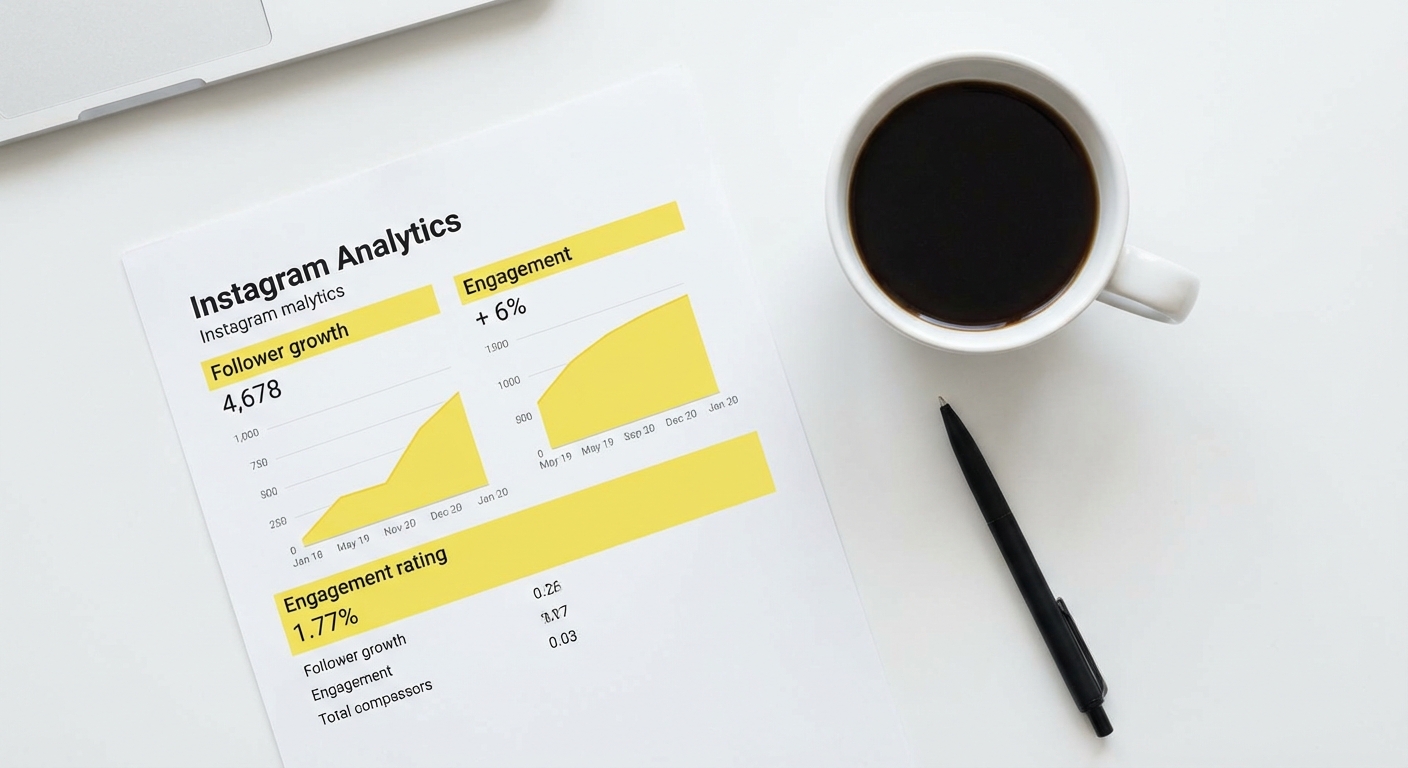
If you're comfortable with spreadsheets, you can build your own tracking system. Download your Instagram data every few weeks and import the followers list into Excel or Google Sheets. Use a formula (VLOOKUP or COUNTIF) to compare lists and highlight differences.
This method takes more effort but gives you complete control over your data. You can track additional metrics like follower growth rate, engagement trends, and content performance all in one place.
Community Insights: What Redditors Say
Real users often have the best insights on which tools trigger bans. We looked at discussions on r/Instagram and r/marketing to see what the community consensus is:
- The "Shadowban" Fear is Real: Many Redditors on r/Instagram discussions report getting action-blocked immediately after logging into "free" tracker apps. The consensus? Avoid apps that are free and ad-heavy; they often abuse API limits.
- Support for the Excel Method: On r/marketing, professionals suggest that if you care about your account longevity, manual data scraping or JSON exports are the only professional ways to handle this.
- The "Let them go" Mentality: A common thread is that obsessing over unfollowers is a waste of mental energy better spent on creating new content.
Watch: How to Download Instagram Data (Visual Guide)
If you are a visual learner, this video breaks down the specific steps to request your data file from Instagram to start tracking manually.
The Bottom Line
Tracking who unfollowed you on Instagram doesn't have to be complicated or risky. Start with Instagram's data download for the safest option, or use no-login tools like DolphinRadar for convenience. Avoid apps that require aggressive permissions or promise automated growth.
Remember that unfollowers are a normal part of Instagram. Even the biggest accounts lose followers regularly. What matters is the overall trend and what you learn from the data. Use unfollowers tracker insights to refine your content, engage your real audience, and build a follower base that actually cares about what you post.
Your goal isn't to obsess over every lost follower. It's to understand your audience better and create content that resonates. The right tracking method helps you do that without compromising your account security or sanity.