Best CapCut Alternatives

James Rice
Beyond the Cut: Best CapCut Alternatives
CapCut is everywhere. you scroll through TikTok, Instagram Reels, or YouTube Shorts, and chances are half of what you see was made with it. It’s fast, it’s accessible, and for a long time, it was the best free tool on the market. It democratized video editing for millions of people. But if you are reading this, you probably hit a wall.
Maybe you are tired of the app crashing right before you export a heavy 4K project. maybe you noticed that the specific transition you want is suddenly locked behind a "Pro" badge. Or perhaps you are just curious about what else is out there. The truth is, the "best" app isn't a single magic tool. It is the one that actually fits what you are trying to make.
The landscape has changed massively. We aren't just looking for simple cutters anymore; we are looking for intelligent creative partners. Here is a deep dive into the best CapCut alternatives to help you figure out what comes next.
Why You Might Need to Switch (The Real Talk)
CapCut is fantastic at what it does, and we should give credit where it’s due. It made editing feel like a game. But relying on it for professional or growing creative work has some real downsides that start to show up once you move past simple clips.
The "Free Trial" Trap and Pricing Creep
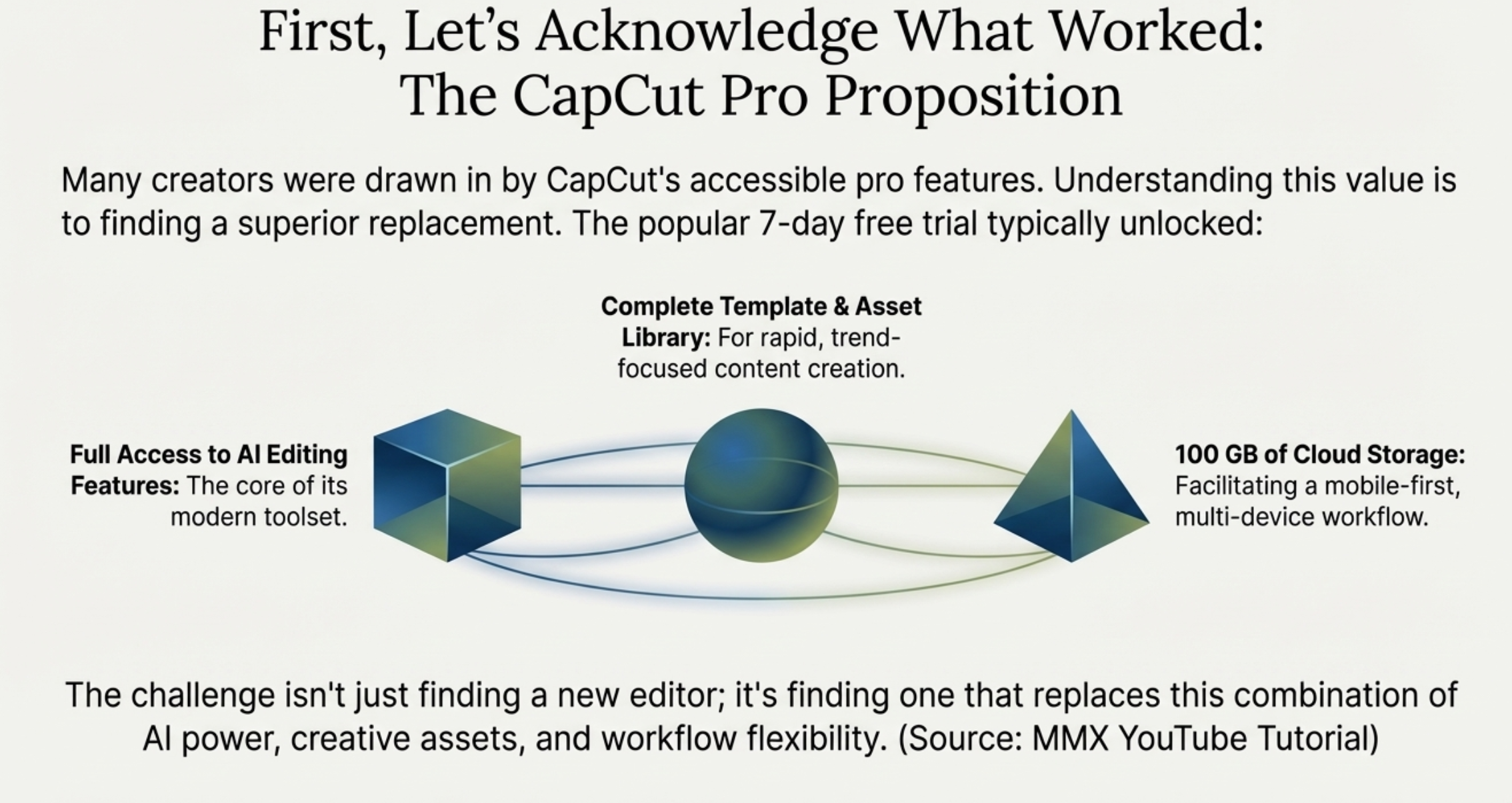
For a long time, CapCut felt truly free. That is changing. The app pushes you hard toward the Pro version now. You see a cool effect, click it, and suddenly you are hit with a paywall.
There is also the infamous CapCut free trial issue. It gives you seven days of full access, which sounds great. But browse any creator forum, and you will see the same story: users forgetting to cancel and getting charged immediately, or trials auto-converting to subscriptions in ways that feel a bit aggressive. It’s an annoyance you might not want to deal with when you are just trying to get a video out.
Privacy and Ownership
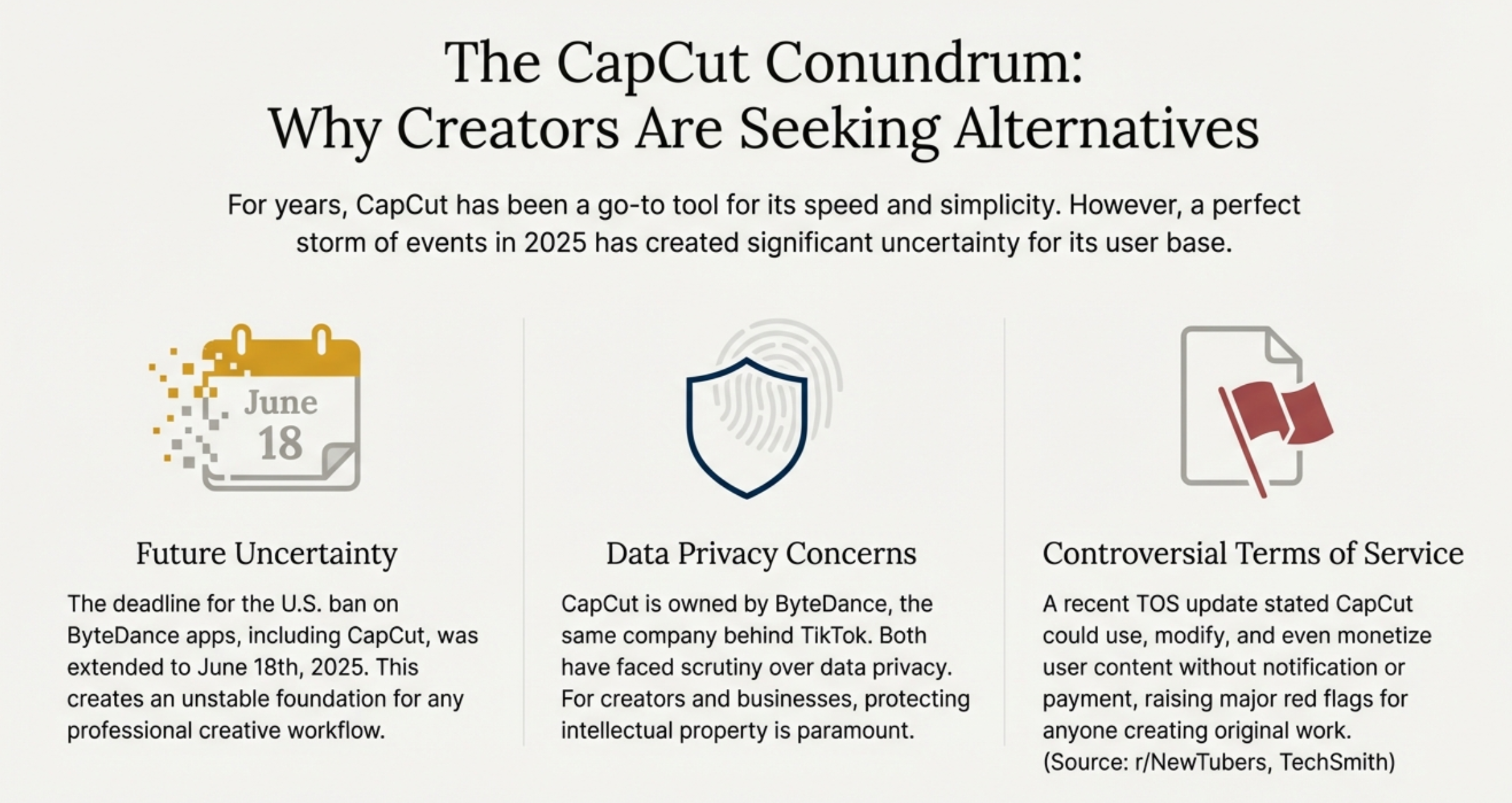
We have to talk about the elephant in the room. CapCut is owned by ByteDance, the same parent company as TikTok. For many casual users, this doesn't matter. But if you are working on corporate videos, sensitive internal content for a business, or you just care about digital privacy, this can be a dealbreaker. Many IT departments actually ban ByteDance apps from work devices. If you want to turn editing into a career, you might need a tool that doesn't have this baggage.
The "Glitch" Factor
Mobile-first apps have limits. As your timelines get complex—think multiple audio tracks, 4K footage, and layers of effects—CapCut often struggles. It can get glitchy, audio can drift out of sync, and exports can fail. If you want to do serious color grading or precise audio mixing, the tools just aren't there. You can’t fine-tune a compressor or use a specific LUT (Look Up Table) with the same precision as desktop software.
The Rise of the AI Video Editor
We aren't just cutting clips anymore. The industry is shifting toward the AI video editor.
This isn't just marketing hype. AI is fundamentally changing the manual labor of editing. Old-school editing meant spending hours trimming silence, fixing bad lighting, or keyframing motion. New tools do this instantly.
- Text-Based Editing: groundbreaking tools like Descript and Filmora let you edit video by deleting text from a transcript. You delete a word in the doc, and the video cut happens automatically. It’s magic for podcasters.
- Generative Fill and Video: New models are generating B-roll from scratch using just text prompts. Missing a shot of a "futuristic city"? You don't need stock footage; you can generate it.
- Instant Fixes: removing background noise from a bad mic or swapping out a grey sky for a sunny one used to take hours of masking. Now it takes one click.
Best Desktop Alternatives for Power and Control
If you are done with editing on a phone screen and want real power, these are your best bets.
1. Async: The AI-Powered Editing Workflow
This is the one for creators who want AI generation and video editing to live in the same workflow. Instead of generating a clip somewhere else and then moving it into another editor, Async lets you continue working with your footage in its built-in video editor.
Why it wins:
The editor gives you the familiar basics you need to shape a video, from trimming and arranging clips to adding text, adjusting audio, and refining the final sequence. The bigger advantage is the workflow: AI-generated clips can be brought straight into the editor, so you can generate, edit, and polish content without constantly switching between platforms.
For creators making social videos, marketing content, short-form clips, or AI-generated footage, this can make the editing process much more straightforward.
The AI Edge:
Async also brings AI into the editing process through Async Intelligence, its chat-based AI. Instead of relying only on traditional editing controls, you can use natural-language instructions to make changes and work with your video more intuitively. This makes the editor particularly interesting for creators who want AI to be part of the actual editing workflow, rather than just a separate generation tool.
2. Wondershare Filmora: The Smooth Transition
If you love CapCut’s "drag-and-drop" vibe but want desktop power, Filmora is your best move.
Why it wins:
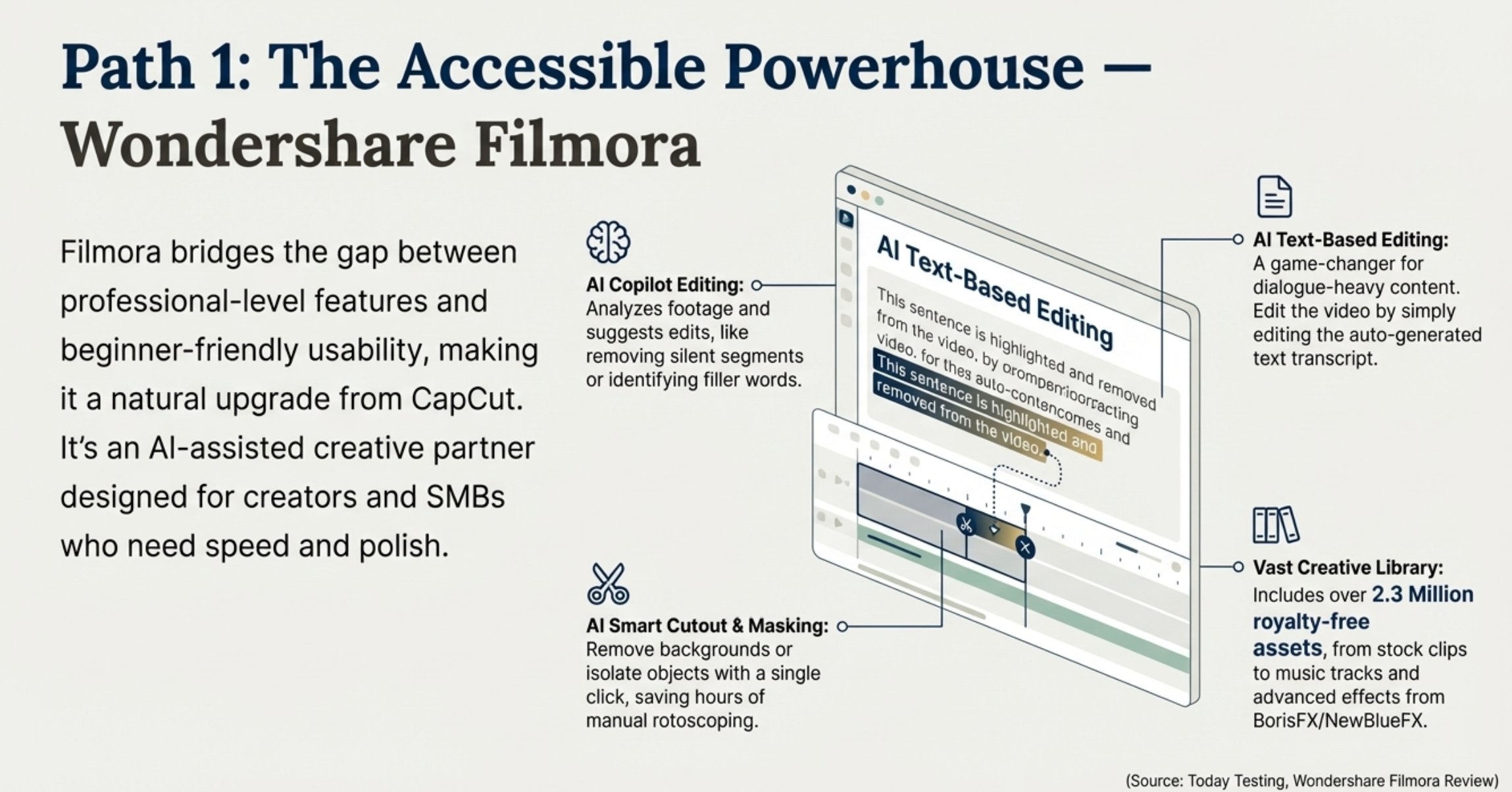
It bridges the gap between casual and pro. It has a massive library of effects, stickers, and transitions that feel very social-media friendly, just like CapCut. But under the hood, it has real features: keyframing, speed ramping, and support for high-quality formats.
The AI Edge:
Filmora has gone heavy on AI. It features an "AI Copilot" that acts like a chatbot assistant—you tell it what look you want, and it guides you to the right tool. It also has "Smart Cutout" for removing backgrounds without a green screen, which is surprisingly accurate.
The Cost:
It’s not free, but it’s reasonable. You are looking at around $50 a year, or a slightly higher one-time fee for a perpetual license. Watch out for "Creative Assets" add-ons, though; they try to upsell you on extra sticker packs.
3. DaVinci Resolve: The "End Game" Editor
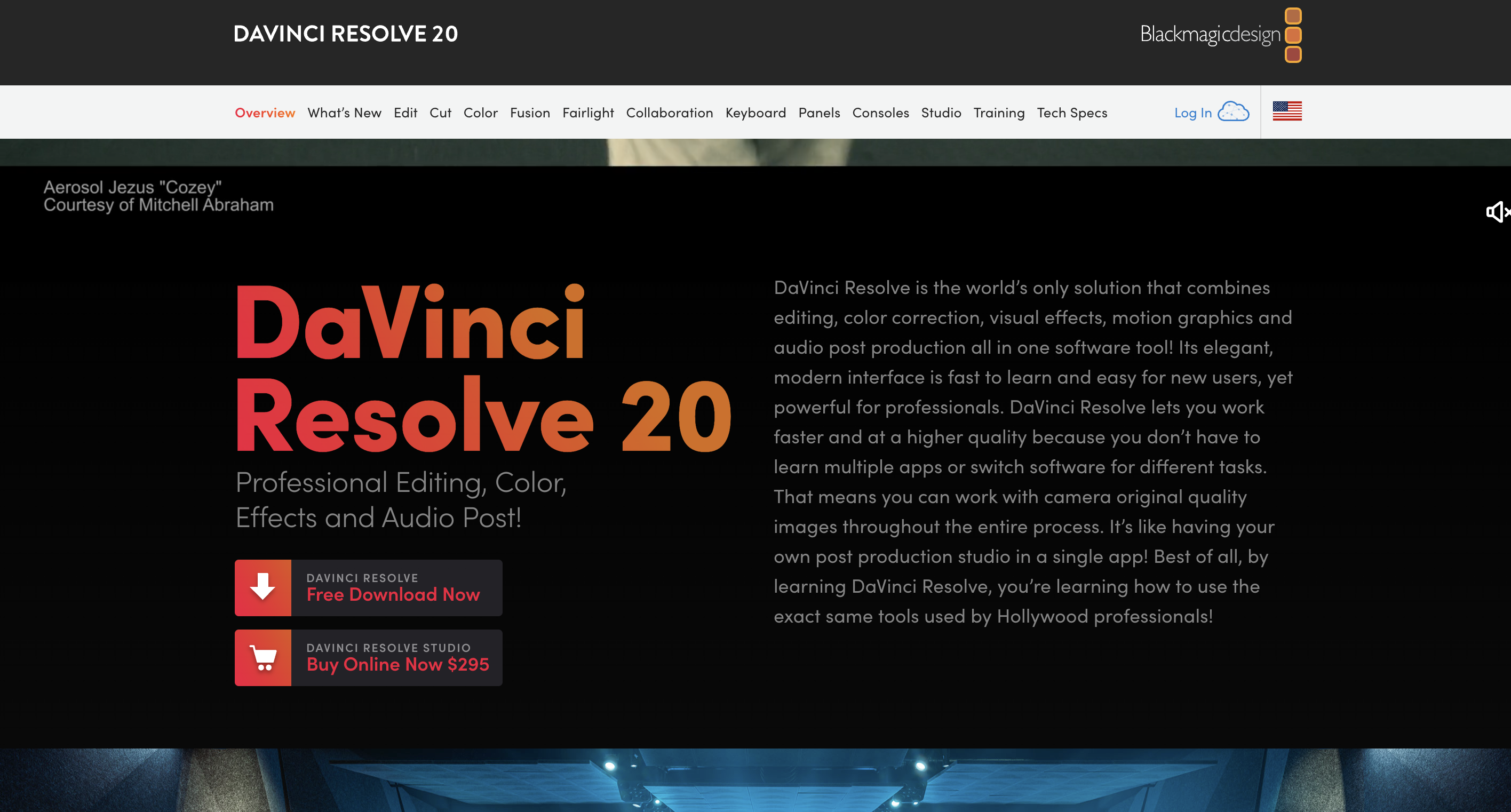
Honestly, this software is a beast. It is what actual Hollywood movies are made on.
Why it wins:
The base version is free. Not "free trial" free, but actually free. And it is shockingly powerful. You get professional color grading (the best in the industry), cinema-grade audio mixing (Fairlight), and visual effects (Fusion) all in one app. If you learn this, you are learning a trade skill that can get you hired.
The Catch:
It is hard to learn. You will need to watch YouTube tutorials. You can't just open it and guess your way through like you can with InShot.
Also, check your hardware. System requirements for DaVinci Resolve are high. You need a computer with at least 16GB of RAM (32GB is better) and a good graphics card. If you try to run this on a cheap laptop, it will crash.
4. CyberLink PowerDirector 365: The AI Playground
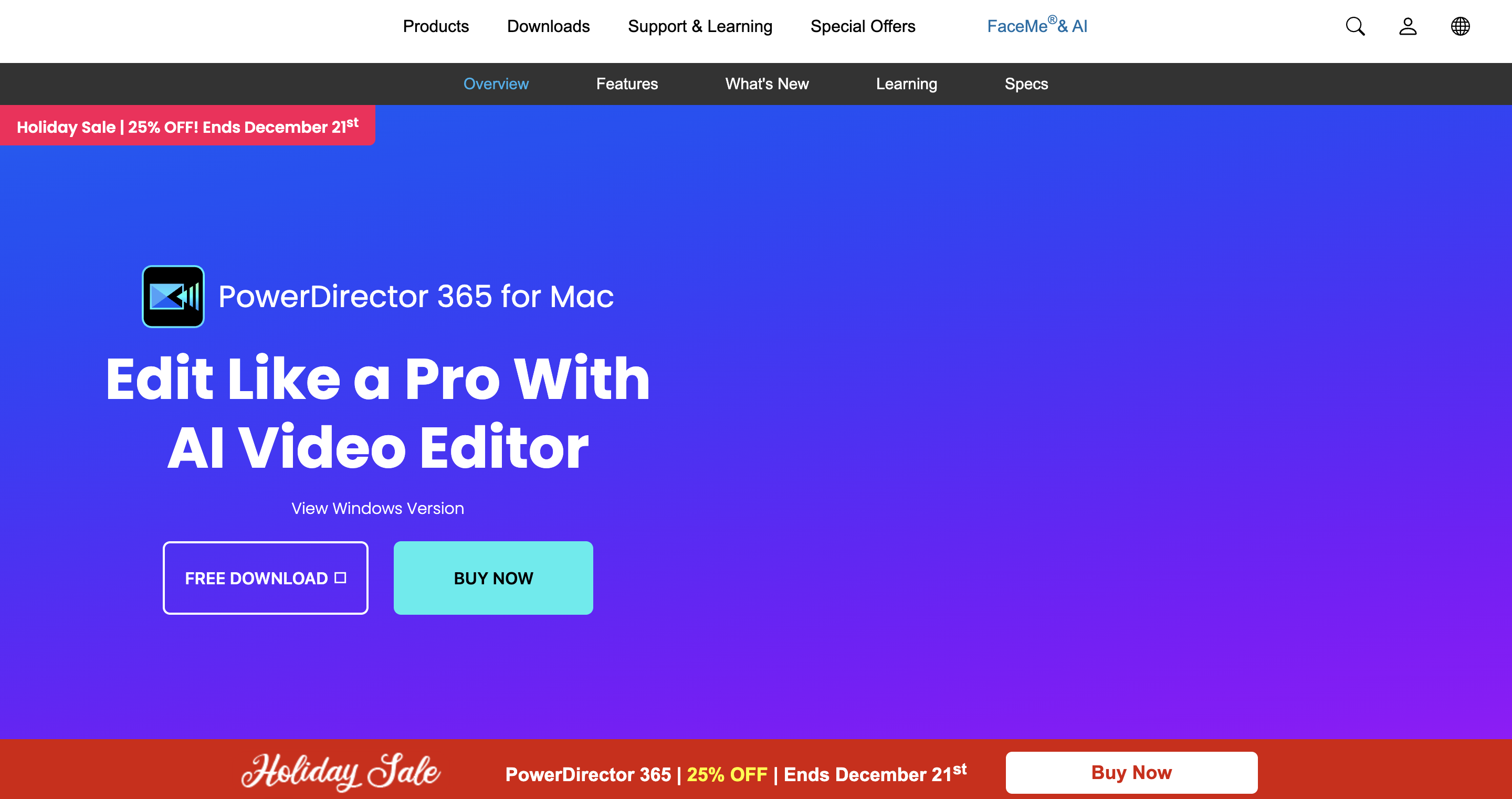
PowerDirector has been around forever, but it reinvented itself as an AI powerhouse.
Why it wins:
It is often the first to bring "fun" mobile features to the desktop. things like "AI Body Effects" (wrapping glowing lines around a dancing person) or "AI Sky Replacement" appear here quickly. It offers a lot of control but keeps the interface less intimidating than DaVinci Resolve.
The AI Edge:
It has cool generative tools. You can take a text prompt and generate a short video clip, or use "Object Masking" to isolate a person in a complex scene. It’s great for YouTubers who want flashy intros without learning After Effects.
5. Descript: The Workflow Revolution
This is the weird one in the bunch, but in a good way. It doesn't look like a video editor at all.
Why it wins:
It is built entirely around the transcript. You upload your video, it types out what everyone says, and you edit the text document. If you cut a sentence in the text, it cuts the clip. If you move a paragraph, it rearranges the video.
For podcasters, webinar creators, or anyone making "talking head" content, this saves an insane amount of time.
The AI Edge:
It has a feature called "Overdub." If you misspoke a word (said "Tuesday" instead of "Thursday"), you can just type the new word, and an AI clone of your voice will say it. It’s wild. It also removes "ums" and "ahs" automatically.
Quick Apps for Speed (Mobile & Web)
Sometimes you don't need power. You need speed. You need to post now.
1. InVideo AI: The Marketer's Best Friend
If you are a social media manager, look at this. It is built to turn text prompts into videos fast.
How it works:
You type a prompt like "Make a 30-second promo for a coffee shop in moody lighting." InVideo pulls stock footage, writes a script, adds an AI voiceover, and edits it together.
The Trade-off:
You trade creative control for speed. It can feel a bit generic if you don't tweak it. But when you need to post three times a day to keep the algorithm happy, that trade is often worth it.
2. Canva: The Ecosystem Play
You probably use this for thumbnails or Instagram stories already. Their video editor has gotten surprisingly good.
Why it wins:
Brand consistency. If you have your fonts, logos, and colors saved in Canva's "Brand Kit," applying them to a video is effortless. It’s perfect for teams. You can collaborate on a video just like a Google Doc.
It’s not for filmmakers—you won't be editing a documentary here—but for marketing teams making simple social assets, it is a lifesaver.
3. InShot: The Simpler Mobile Option
If you just want to stay on your phone but find CapCut too cluttered or "pushy," go back to InShot.
Why it wins:
It’s cleaner. It focuses on the basics: cutting, speed control, and music. It doesn't have the massive library of viral templates that CapCut has, but that also means it’s less overwhelming.
Pricing:
It’s generally cheaper, around $4 a month, and the free version is very usable if you don't mind watching a few ads. It’s the "old reliable" of mobile editing.
How to Choose Your Alternative
Don't overthink it. Just look at what you actually do all day. Here are a few scenarios to help you decide.
Scenario A: The "TikTok Trends" Creator
- You need: Viral effects, trending audio, and speed.
- Stick with: CapCut (if you can stand the paywall) or try Filmora on desktop.
- Why: You need those specific transitions that everyone else is using. Most "pro" editors don't have a "flame eye" filter built-in.
Scenario B: The Aspiring YouTuber
- You need: A timeline that handles 20 minutes of footage, good audio tools, and stability.
- Pick: Filmora or Descript.
- Why: You need to process dialogue efficiently. Descript will cut your editing time in half. Filmora gives you that "YouTuber" look without the headache.
Scenario C: The Professional / Filmmaker
- You need: Total control, color accuracy, and no watermarks.
- Pick: DaVinci Resolve.
- Why: It’s the industry standard. Learning it is an investment in your career. Plus, the free version is more powerful than most paid apps.
Scenario D: The Business Owner
- You need: Branding, simplicity, and collaboration.
- Pick: Canva or InVideo.
- Why: You aren't trying to win an Oscar; you are trying to sell a product. These tools keep you on brand and get the job done fast.
Final Thoughts
The era of "one app to rule them all" is ending. CapCut is great, but it’s just one option in a massive sea of tools.
The leap from a simple mobile editor to a more advanced, AI-powered platform can transform your workflow. Suddenly, you aren't fighting the app to make it do what you want; the app is helping you create.
Most of these tools offer some kind of free version. You don't have to commit right away. Download one of these CapCut alternatives, try to edit one project, and see if it makes your life easier. You might find that the "learning curve" isn't a wall, but a ladder to making much better stuff.