
Buffer vs Tailwind vs Others: Which Social Media Scheduler Actually Works?

Spybroski Team
Managing social media for five clients taught me something fast. manual posting is a nightmare. You're juggling time zones, platform quirks, and the constant pressure to stay visible. I spent six months testing four different social schedulers to find what actually delivers results without wasting time or money.
If you're researching scheduling apps, you want the truth. not the sales pitch. you need to know which tool handles your specific platforms, fits your budget, and won't randomly fail to post your content. Let's break down Buffer, Tailwind, and their competitors based on real-world testing.
Why Social Schedulers Matter More Than You Think
Here's the thing. posting manually works fine until it doesn't. When you're managing multiple clients or running your own brand across Pinterest, Instagram, LinkedIn, and Twitter, the chaos multiplies fast. You're either glued to your phone at odd hours or missing prime engagement windows.
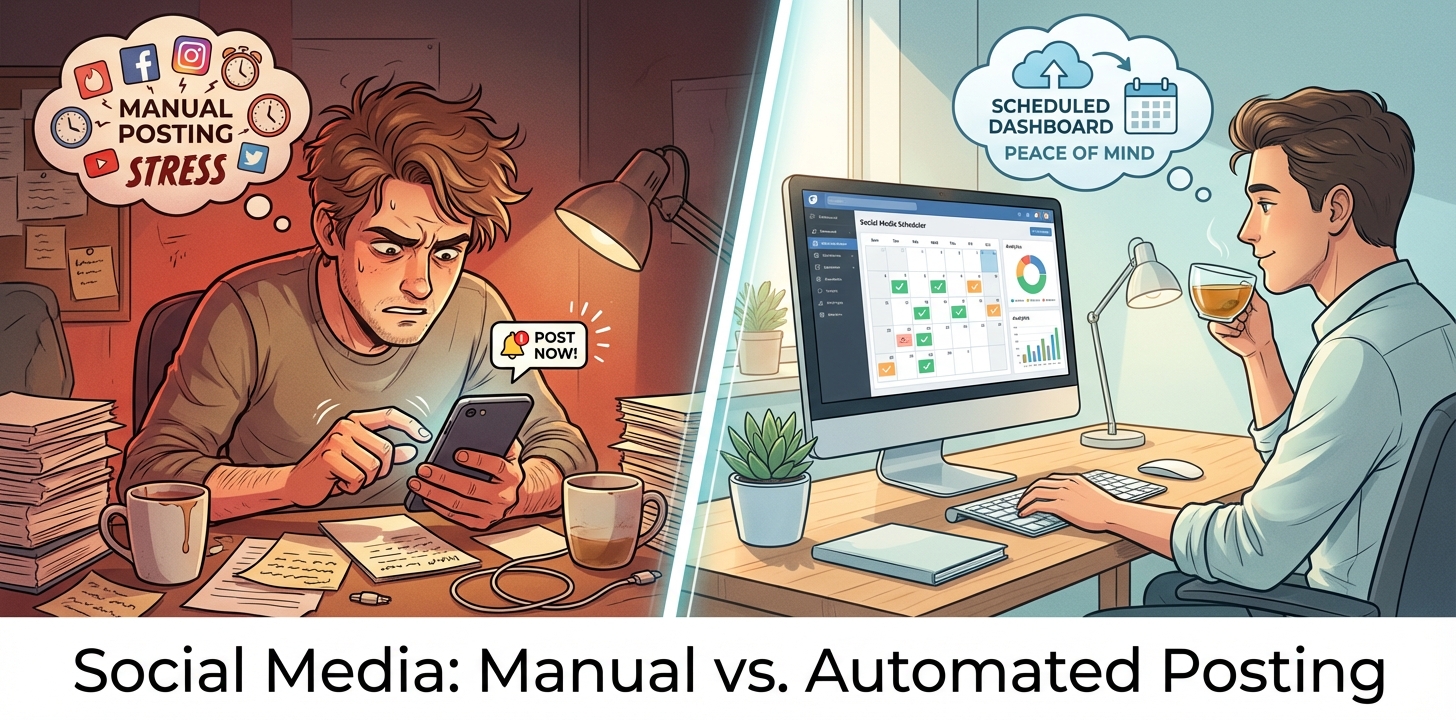
Social schedulers save more than time. they preserve your sanity and improve consistency. The question isn't whether you need one. it's which media tools actually work for your specific setup. a Pinterest-heavy brand needs different features than someone focused on LinkedIn thought leadership.
Buffer Review: The Clean, Simple Option
Buffer caught my attention first because everyone mentions it. The interface feels intuitive from day one. you connect accounts, draft posts, and schedule them without hunting through menus. It supports eight platforms including Instagram, Facebook, LinkedIn, TikTok, YouTube, and Twitter.
The free plan lets you manage three channels with ten scheduled posts. That's generous for testing or small operations. Paid plans start at $6 per channel monthly for the Essentials tier, scaling to $12 per channel for Team features.
What Buffer does well:
- Cross-platform reliability that actually posts when scheduled
- Browser extension for quick content sharing
- Clean analytics that show what's working
- AI Assistant for caption and hashtag suggestions
- Strong support for Twitter and LinkedIn
Where it falls short:
- Pinterest support feels basic compared to specialized tools
- No built-in communities for content collaboration
- Limited advanced features for visual platforms
- Pricing adds up fast when managing multiple accounts
One user on G2 put it perfectly: "Buffer works properly ALL the time." That reliability matters when your client's product launch depends on scheduled announcements hitting at exactly 9 AM.
Tailwind Comparison: The Visual Platform Specialist
Tailwind became my go-to for Pinterest-heavy accounts, and the difference was immediate. This tool understands visual platforms in ways general schedulers don't. It focuses on Pinterest and Instagram (plus Facebook), which sounds limiting until you realize the depth it offers.
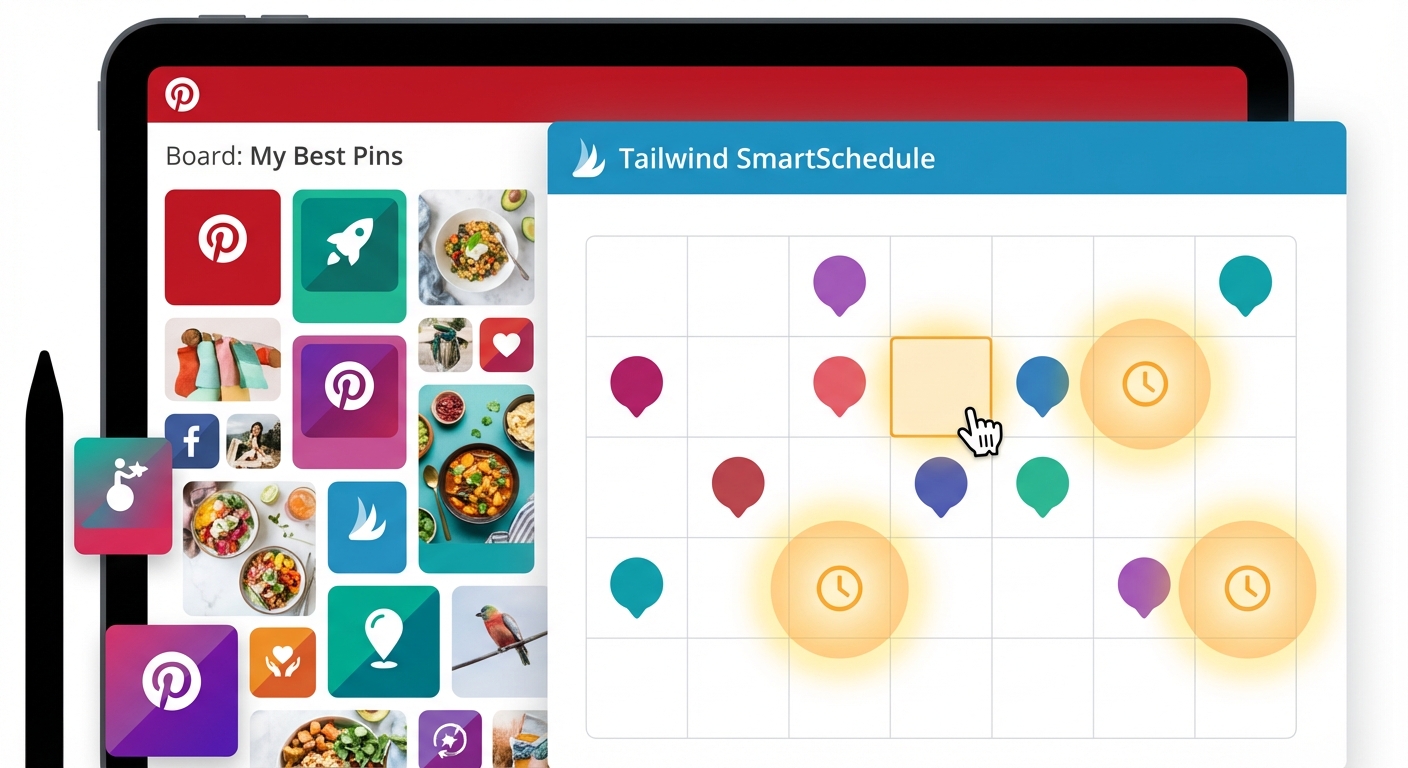
The SmartPin feature changed my workflow completely. Instead of designing five variations in Canva, Tailwind generates design alternatives automatically. For someone managing Pinterest accounts driving traffic to blogs or e-commerce sites, this saves hours every week.
Key Tailwind strengths:
- Communities for collaborative sharing that boost reach
- SmartSchedule AI finds optimal posting times
- Ghostwriter AI assists with content creation
- Chrome extension for bulk pinning
- Deep Pinterest analytics showing traffic sources
- 50% discount on annual plans versus Buffer's 20%
The downsides:
- Only covers three platforms total
- Moderate learning curve for new users
- Occasional post failures mentioned in reviews
- Not ideal if Pinterest isn't central to your strategy
Pricing runs similar to Buffer per account, but that annual discount makes a real difference. If you're committed long-term, Tailwind rewards that commitment.
The Others Worth Considering
Two other scheduling apps kept appearing in my research and testing. Hootsuite and Later both offer distinct advantages depending on your needs.
Hootsuite positions itself as the all-in-one solution. It covers more platforms than either Buffer or Tailwind and includes social listening features. But that comprehensiveness comes with complexity. The interface feels heavier, and pricing climbs quickly for teams. It works best for larger operations that need everything in one dashboard, even if that means sacrificing ease of use.
Later targets Instagram-heavy users with strong visual planning tools. You can preview your grid layout before scheduling, which matters for brand aesthetics. The drag-and-drop calendar feels natural. However, some users report posting quirks, and it's pricier for e-commerce setups that need multiple accounts.
Agorapulse occasionally enters the conversation too, particularly for teams wanting CRM-style features to track audience interactions. It's solid but represents a different use case than pure scheduling efficiency.
Matching Tools to Your Actual Needs
The "best" social media scheduler depends entirely on what you're scheduling and where. After six months testing these platforms across different client accounts, patterns emerged clearly.
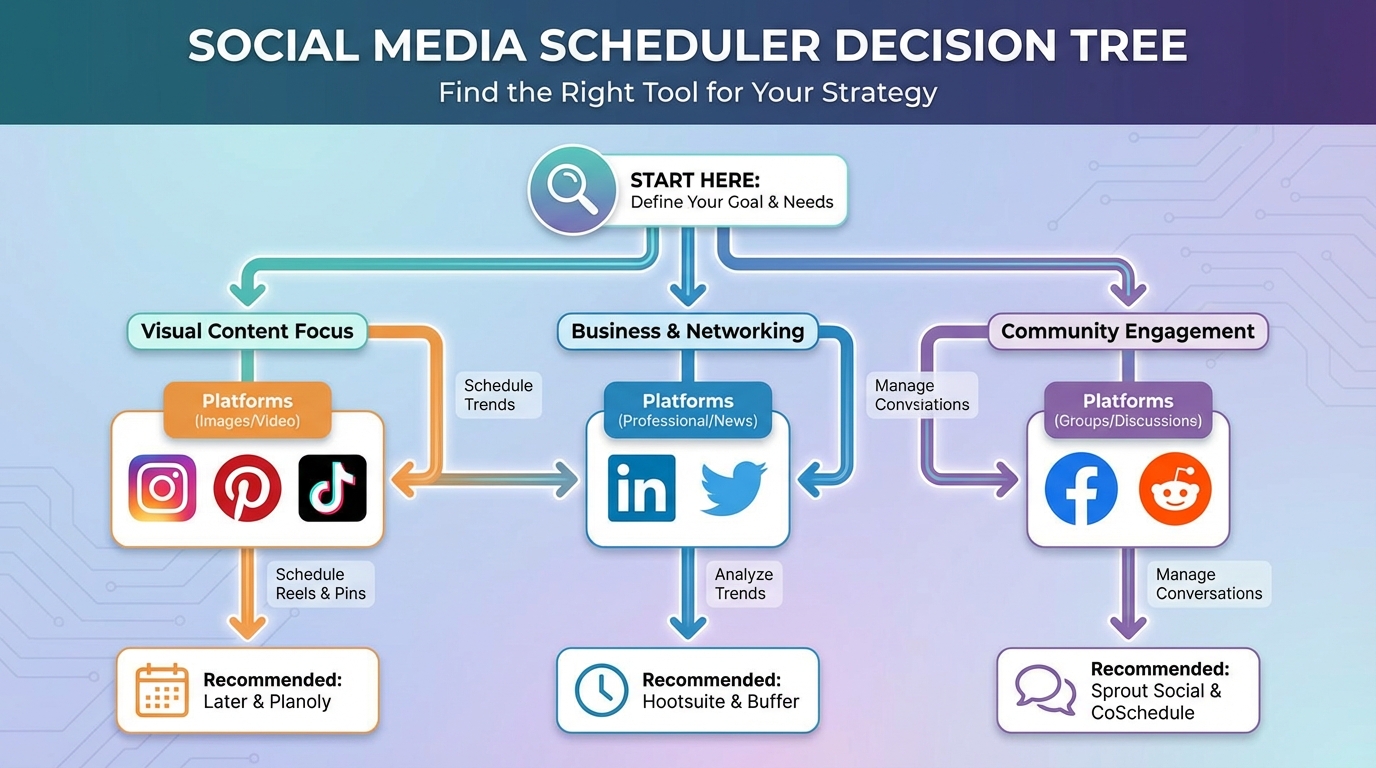
Choose Buffer if you need:
- Multi-platform coverage including LinkedIn and TikTok
- Simple interface that team members learn fast
- Reliable posting without technical headaches
- Free tier to test before committing
Choose Tailwind if you focus on:
- Pinterest traffic driving blog or product views
- Instagram visual content at scale
- Design automation to reduce Canva time
- Community features for content amplification
Consider alternatives when:
- You need heavy social listening (Hootsuite)
- Instagram grid aesthetics matter most (Later)
- You're managing large teams with complex workflows
Budget matters too. A solopreneur managing three accounts has different needs than an agency juggling twenty. Buffer's per-channel pricing scales predictably. Tailwind's annual discount rewards commitment. Hootsuite and Later cost more but include features some businesses genuinely need.
What Actually Works in Practice
Theory is nice. reality taught me faster. Here's what I learned managing real accounts with actual clients watching metrics.
Automation drastically improves consistency, which algorithms reward. My clients saw better engagement not because content quality jumped overnight, but because posts hit optimal times reliably. you stop missing windows because you forgot or got busy.
No tool is perfect. Buffer occasionally has minor hiccups on newer platforms like Mastodon. Tailwind sometimes fails posts without clear explanation. Later's notification system can be inconsistent. The question isn't finding perfection. it's finding which imperfections you can tolerate.
Platform focus matters more than feature lists. A Pinterest-centric brand gets more value from Tailwind's specialized tools than Buffer's broader but shallower coverage. Someone managing thought leadership on LinkedIn and Twitter will find Buffer more practical.
The best approach for comprehensive coverage? Stack tools strategically. I run Tailwind for Pinterest accounts and Buffer for everything else. Total cost sits around $20-30 monthly for solid coverage across platforms, which beats trying to force one tool to do everything mediocrely.
Making Your Decision
Start by listing your top three platforms by priority. If Pinterest or Instagram dominate, Tailwind comparison against alternatives shows clear advantages. If you're spreading across LinkedIn, Twitter, Facebook, and emerging platforms, Buffer review consistently highlights reliability and breadth.
Try free tiers first. Buffer gives you three channels to test. Tailwind offers trials. You'll know within two weeks whether the interface makes sense and features match your workflow.
Check which platforms get priority updates. Tools that partnered with Pinterest (like Tailwind) get API access faster when features change. Buffer maintains strong relationships with Twitter and LinkedIn.
Calculate actual costs for your account volume. That $6 per channel adds up differently than flat-rate pricing. Run the math for your specific situation rather than comparing base prices.
Most importantly, pick something and commit for at least three months. Constantly switching scheduling apps wastes more time than sticking with an imperfect tool you've learned thoroughly.
The Bottom Line on Social Schedulers
After testing four different media tools across six months and five client accounts, my setup stabilized around Tailwind for Pinterest-heavy work and Buffer for multi-platform scheduling. Neither tool is perfect, but both deliver consistent results without constant babysitting.
The scheduler that "actually works" depends on your platform mix, content volume, and budget tolerance. Stop chasing the perfect solution and start with the one that covers your top two platforms well. You can always adjust later when your needs evolve or new features launch.
Social media management is hard enough without manual posting adding unnecessary stress. Pick a scheduler, learn it well, and redirect that saved time toward creating better content instead of playing calendar Tetris.